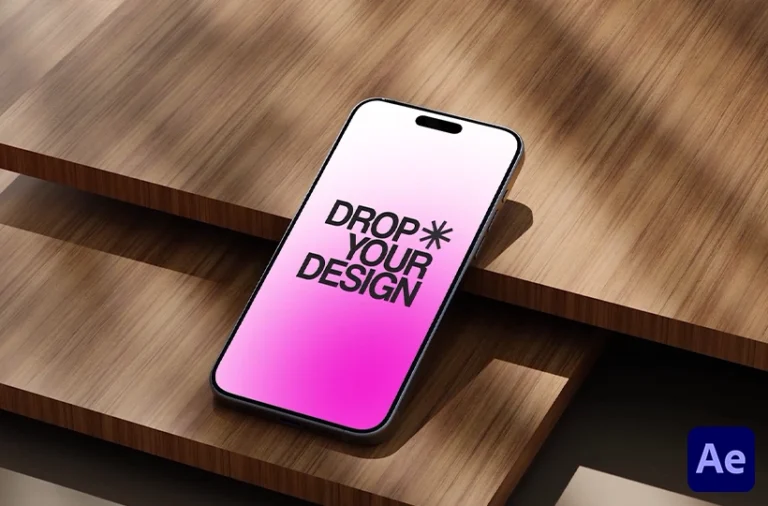
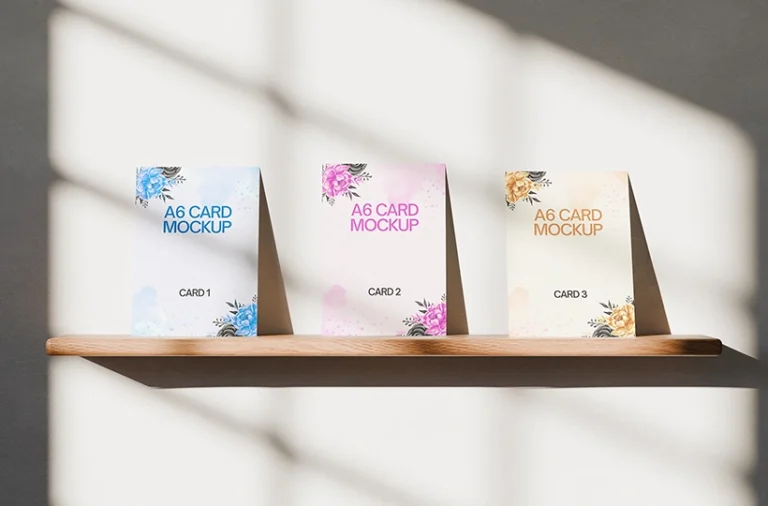
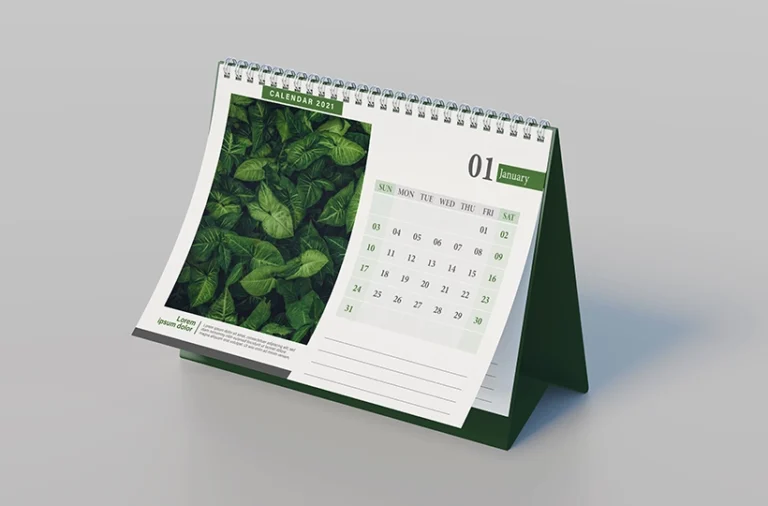
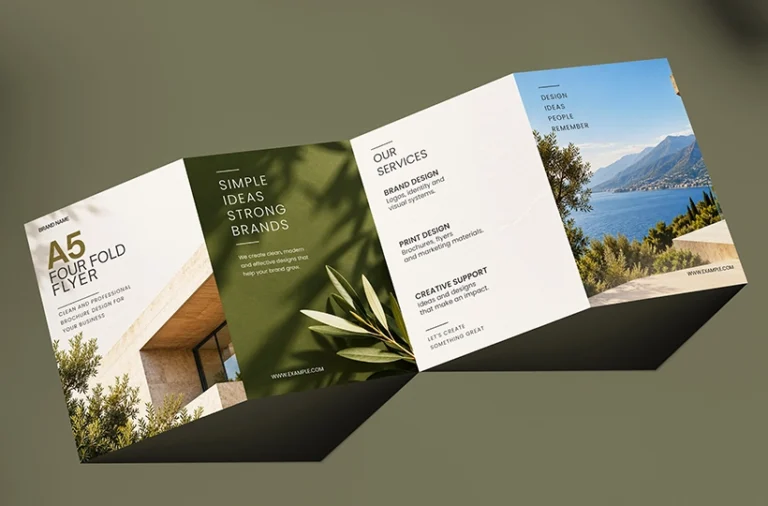
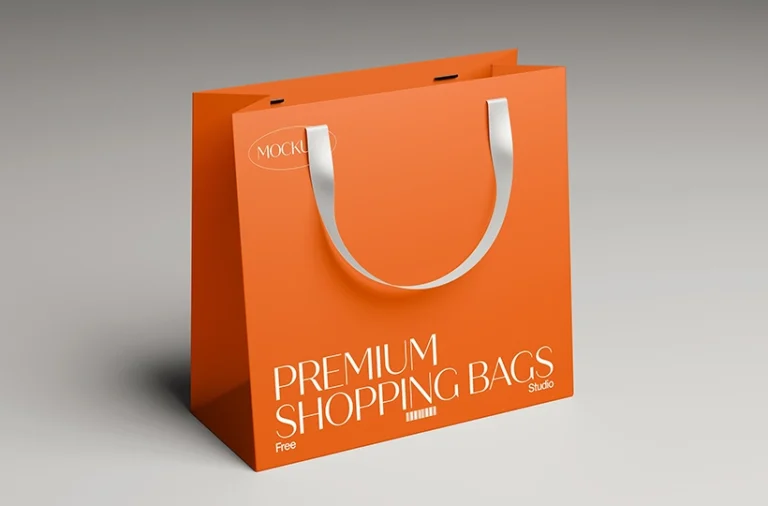
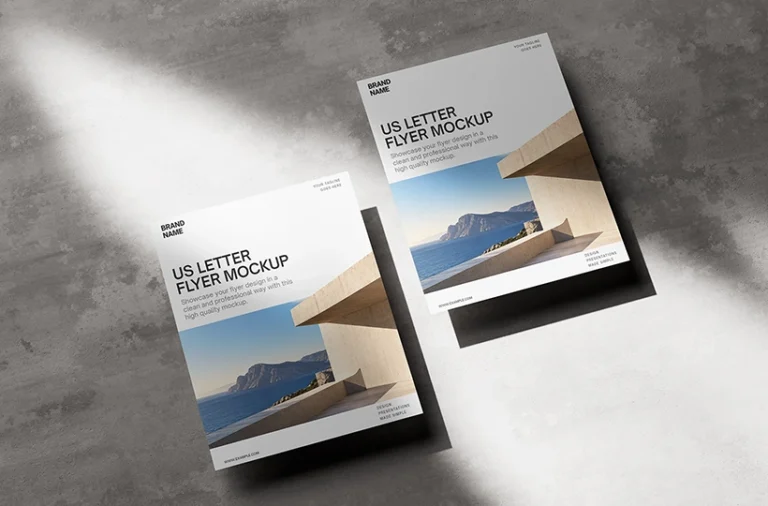
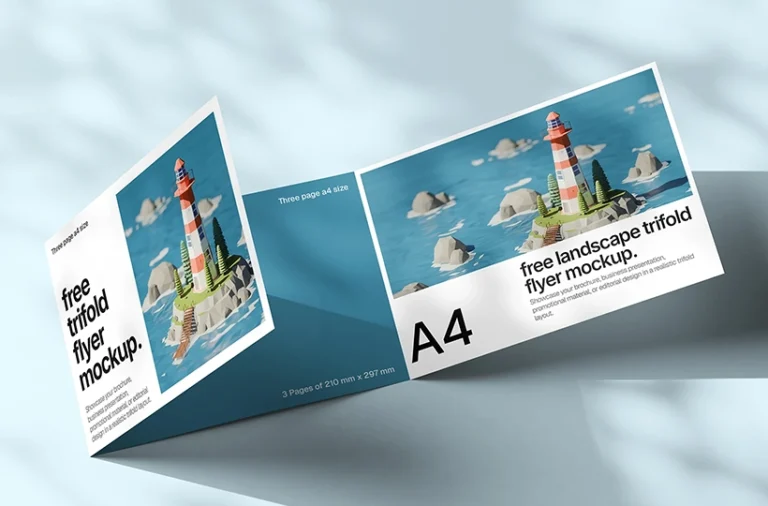
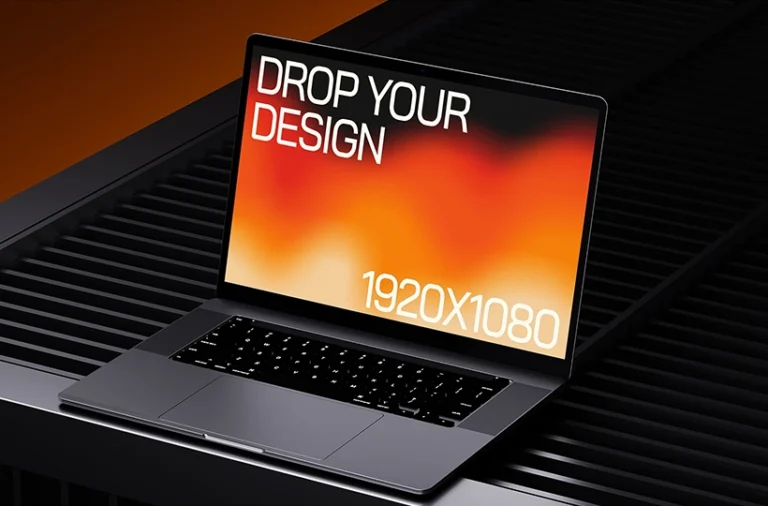
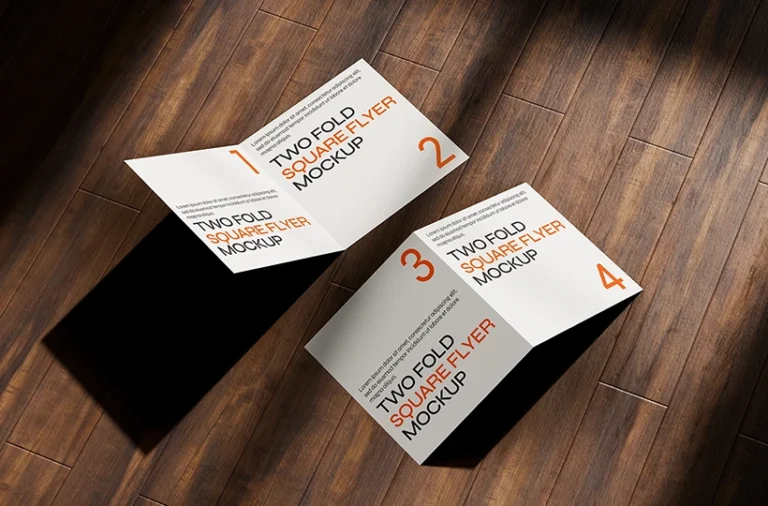
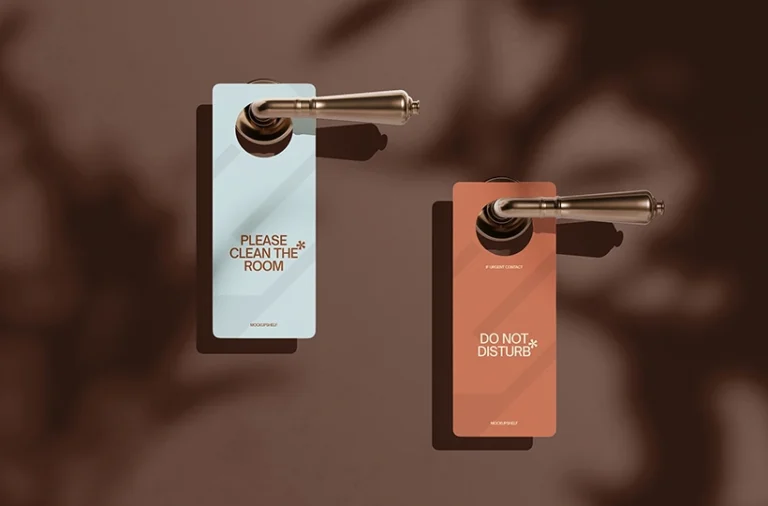
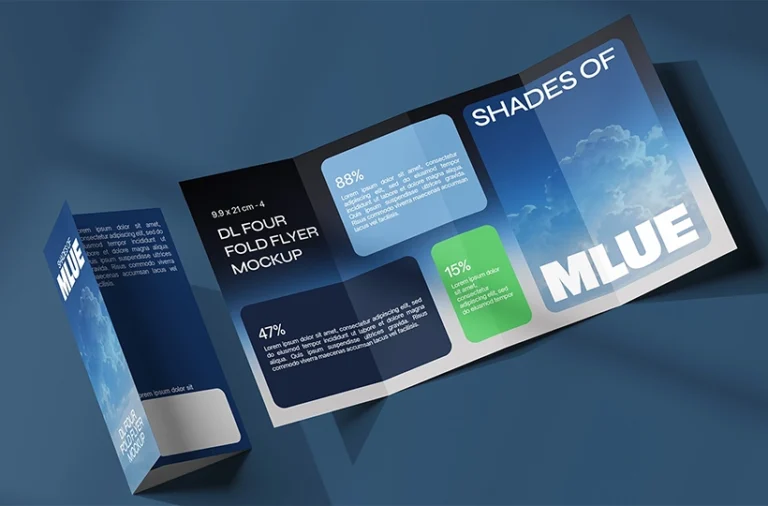
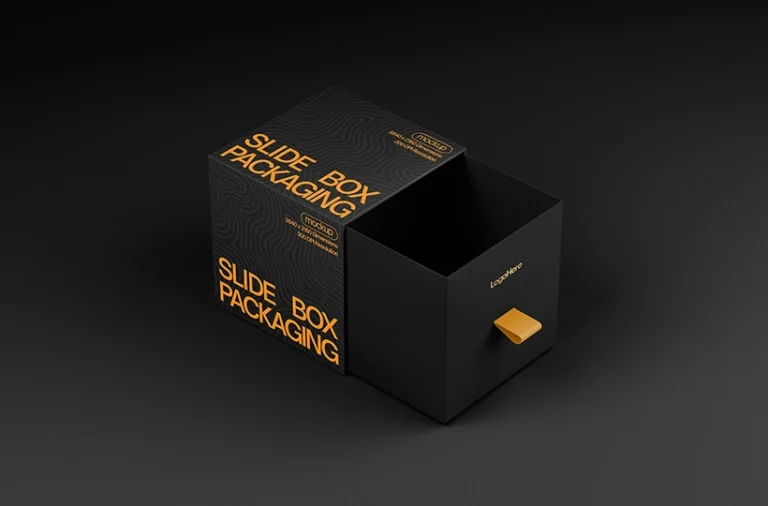
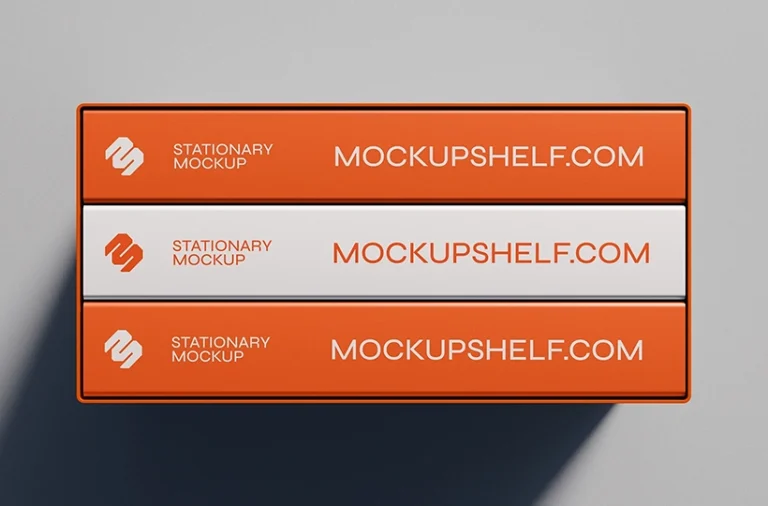
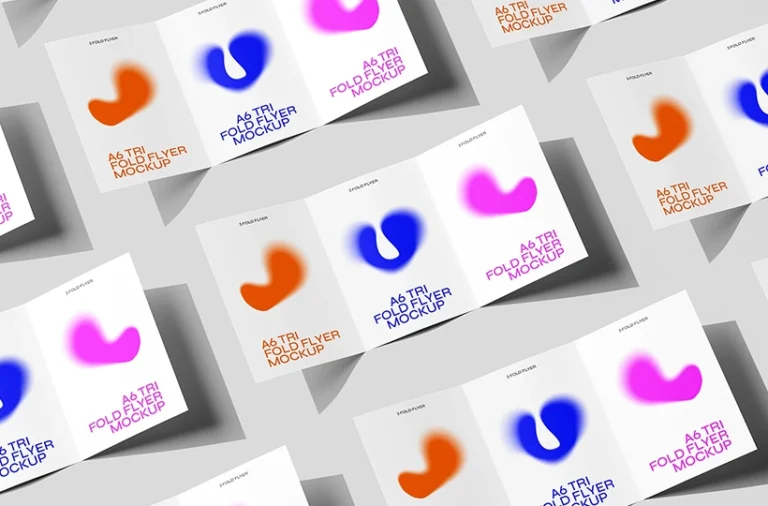
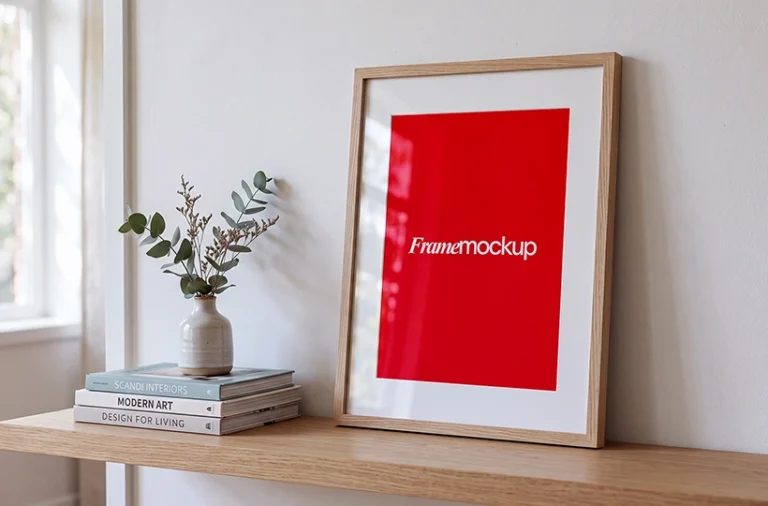
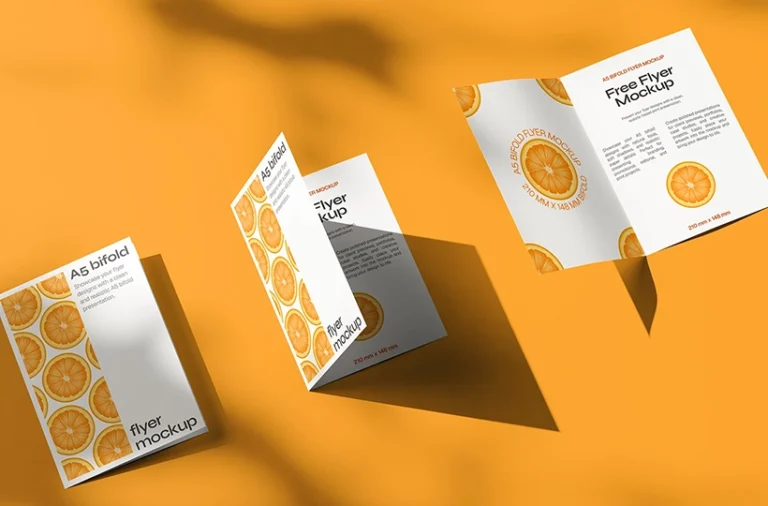
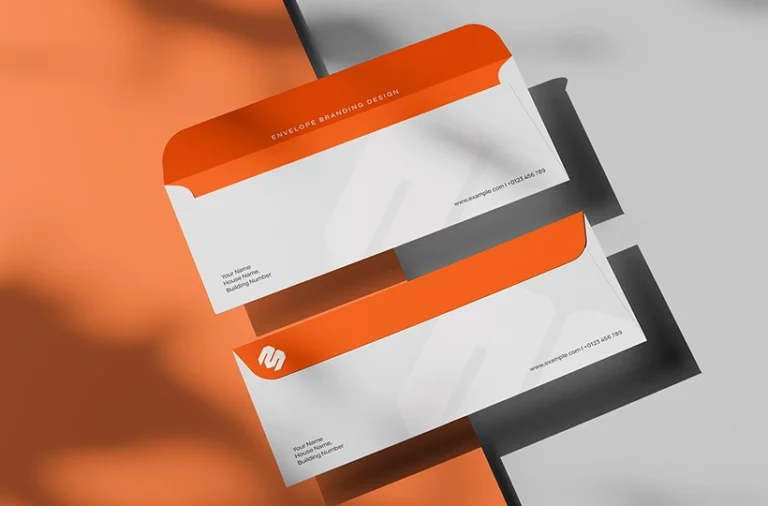
Browse free mockups and PSD templates for presenting your designs in realistic settings. Find mockups for branding, flyers, brochures, business cards, packaging, posters, devices, stationery, signage, displays, and more.
Yes. MockupShelf provides free mockup templates that you can download from the website. The collection includes PSD mockups for branding, print design, packaging, devices, stationery, signage, and other creative projects.
Do I need Photoshop to use a PSD mockup?
Most PSD mockups use Smart Object layers, which are designed to be edited in Adobe Photoshop. If you don’t have Photoshop, some PSD mockups can also be opened and edited using compatible alternatives such as Photopea.
Can I use these mockups for commercial projects?
MockupShelf mockups are available for personal and commercial design projects according to the license provided with each resource. You can use suitable mockups for client presentations, branding proposals, portfolio projects, marketing materials, and other design work. Check the individual resource license for specific usage terms.
How do I use a PSD mockup?
Open the PSD mockup in Photoshop or another compatible editor, find the Smart Object layer, and replace the placeholder artwork with your own design. Save the Smart Object and the mockup will update your artwork within the scene.
What types of mockups are available?
The MockupShelf library includes flyer, brochure, business card, poster, packaging, stationery, device, smart device, signage, billboard, banner, display, and other mockup templates. New mockups are added to the collection regularly.
Are the mockup files high resolution?
MockupShelf mockups are provided in high-resolution formats suitable for design presentations, portfolios, client previews, and other professional creative work. Check the individual mockup page for the specific file details and available views.
Free Mockup Library
Also Explore Our
Free Online Tools
Need a tool for your design or freelance workflow? MockupShelf also provides free online tools for everyday tasks such as creating invoices, generating quotes, and creating QR codes.