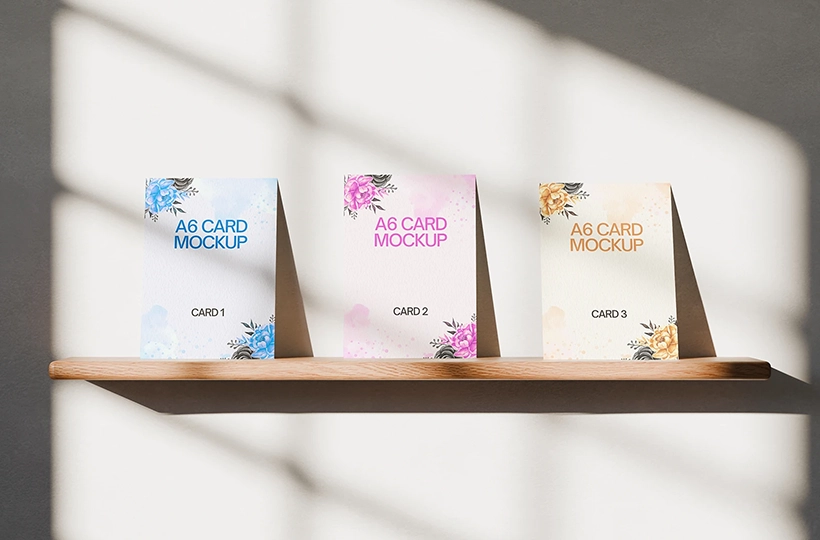
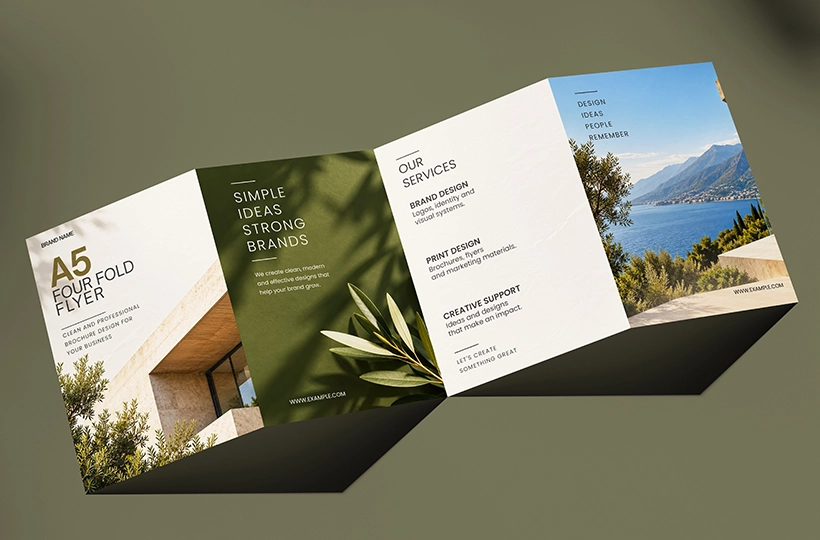
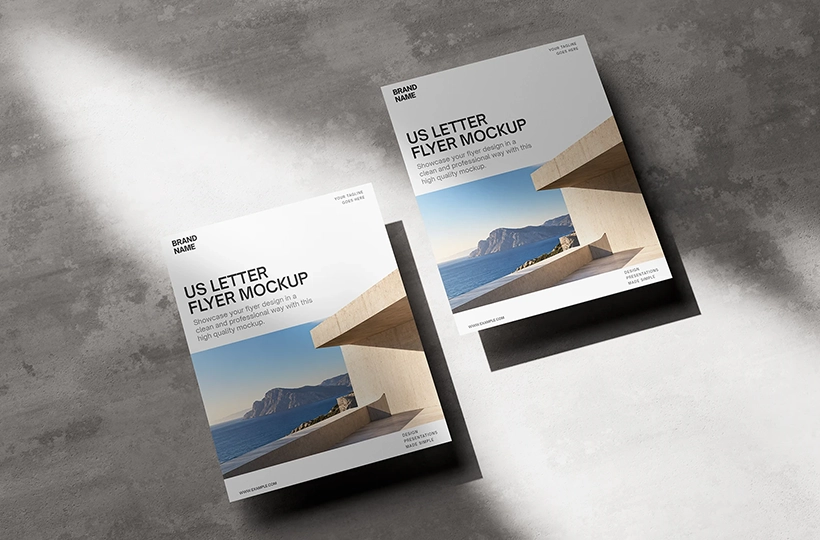
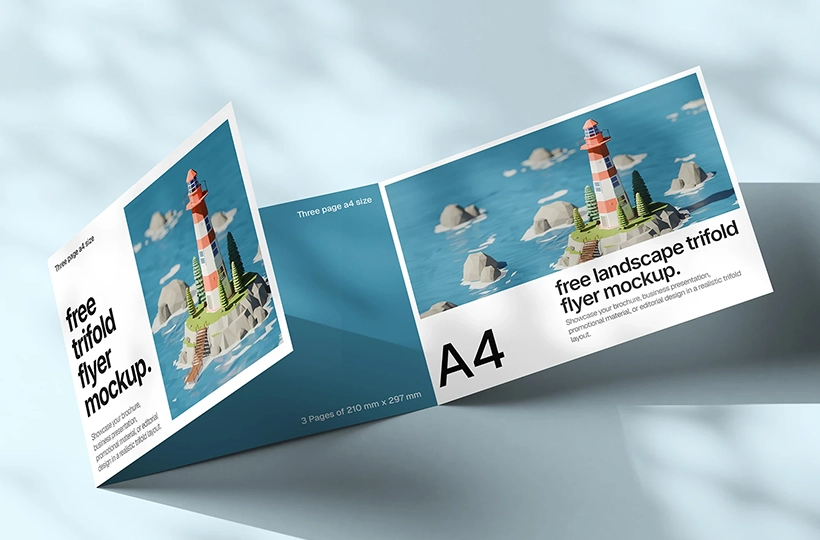
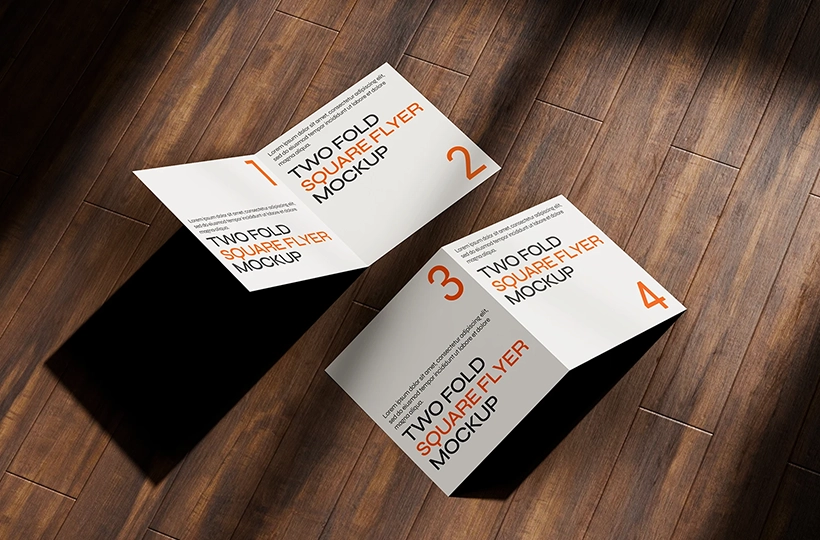
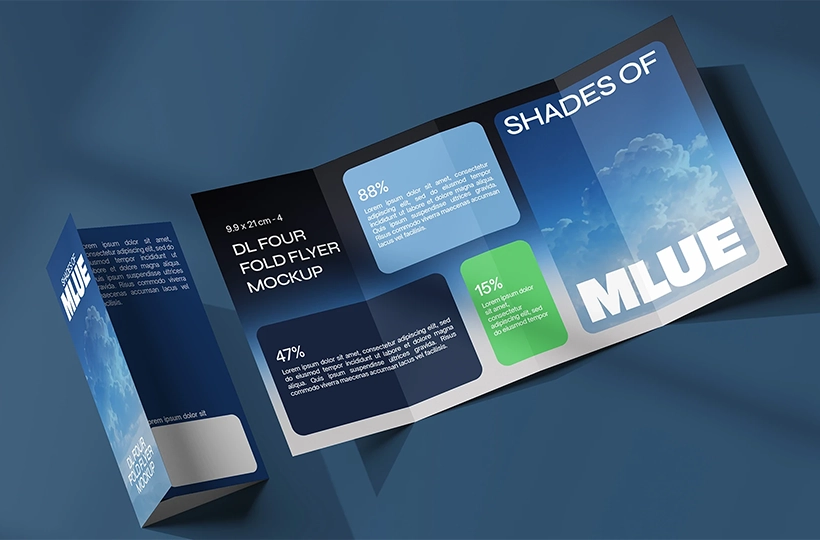
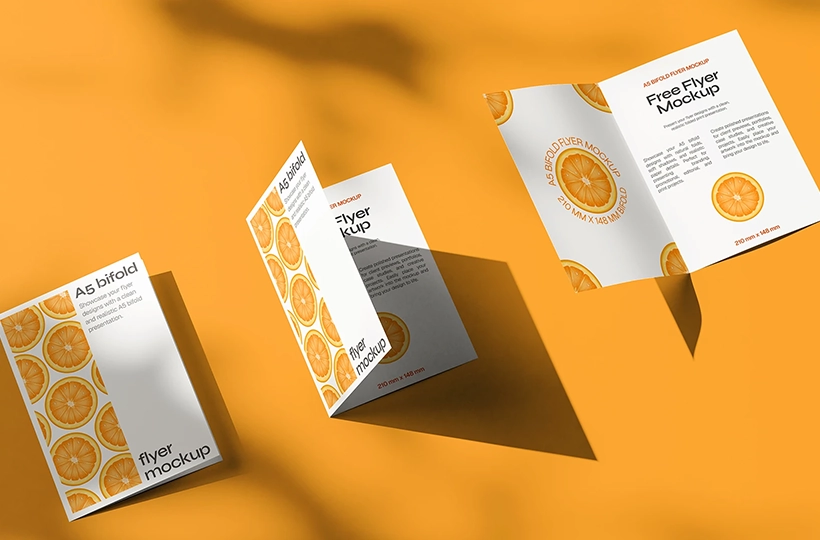
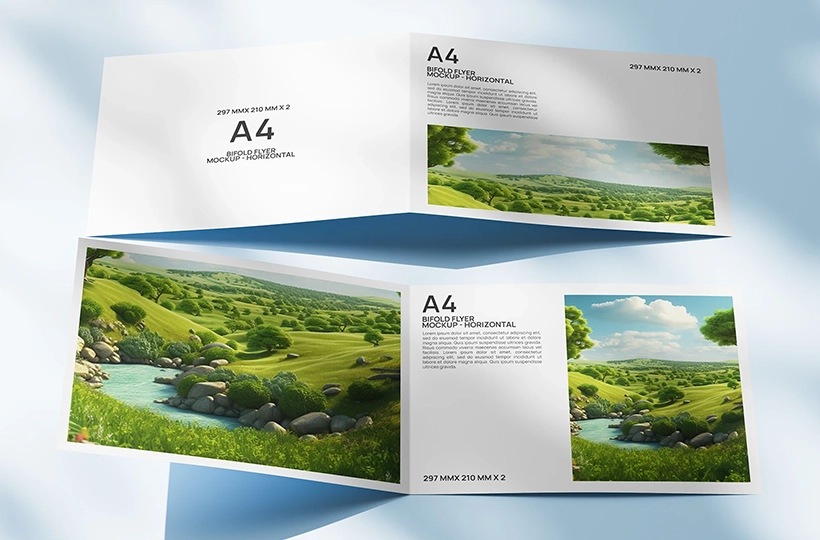
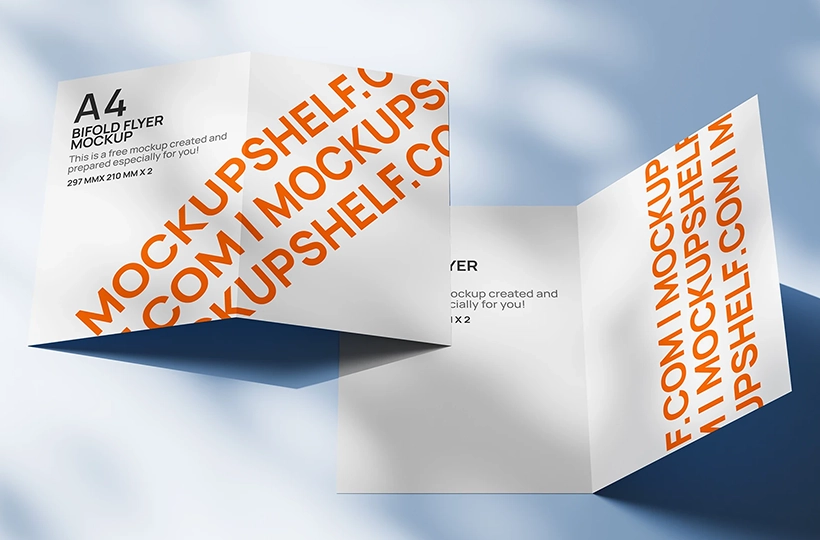
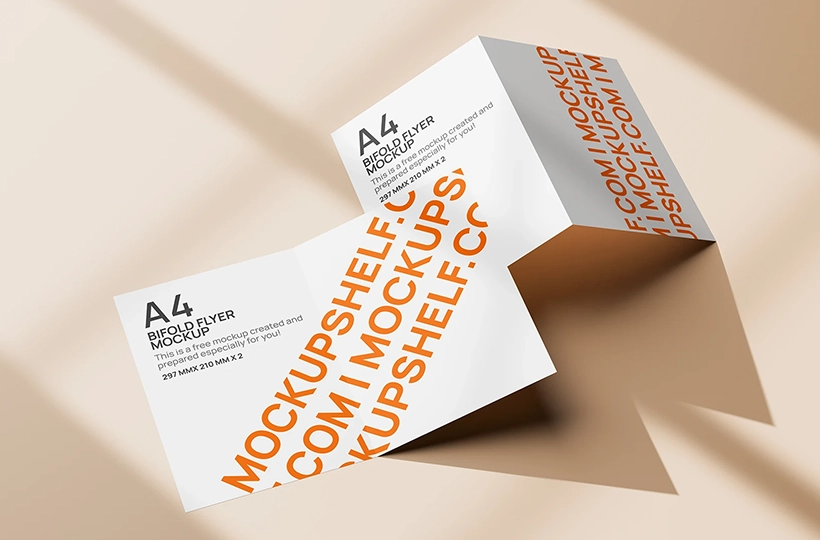
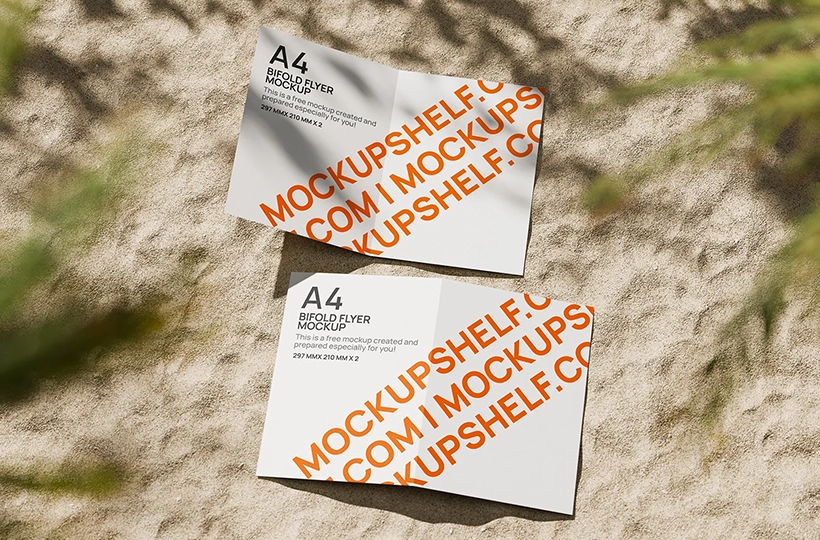
Explore free flyer mockups in common print sizes and formats, including A4, A5, A6, DL, and US Letter. Find flat, folded, bi-fold, tri-fold, and other flyer mockups in layered PSD format with editable smart objects.
Free flyer mockups in common sizes and folding formats
SIZES
A4, A5, A6, DL, Square
FOLDS
No fold, Bi fold, Tri fold, Four fold
FORMATS
A4, A5, A6, DL and Square Flyers
FILES
Layered PSD, smart objects
Choose a flyer by size and purpose
This is the complete flyer mockup collection, organized by the paper size and format your design needs. Start with A4 for larger promotional layouts, A5 for compact handouts, A6 for smaller promotional pieces, DL for tall and slim designs, or Square when you want a more distinctive format. Each size can then be explored by its folding format, from a simple no fold layout to bi fold, tri fold and four fold designs.
Explore flat and folded flyer mockups
Whether your design is a single flat sheet or a multi panel flyer, the mockups are designed to show how the finished piece can look in a realistic presentation. Choose a size first, then narrow it down by fold format to find the right mockup for your layout. The PSD files are built for easy editing with smart objects, making it simple to replace the artwork while keeping the presentation, lighting, shadows and folds intact.
Create realistic presentations of your flyer designs with editable PSD mockups and smart objects. Simply replace the placeholder artwork with your own design and quickly preview how it looks in a clean, professional setting.