10 Best Free CSS Button Generators Online in 2026
If you have ever wasted 20 minutes tweaking CSS just to get a button looking right, a generator fixes that. You open it, set your colors and radius, hit copy, and you are done. No back and forth in DevTools, no guessing at shadow values. We rounded up 10 free CSS button generators that actually work well. Some are great for building from scratch with full controls, others give you a library of ready-made styles to pick from. All of them output clean code you can drop straight into your project.
10 Best CSS Button Generators Online in 2026
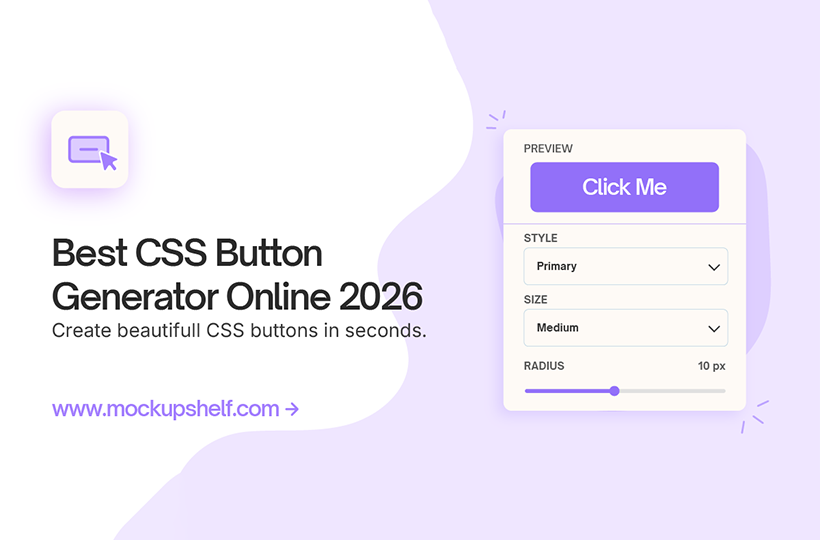
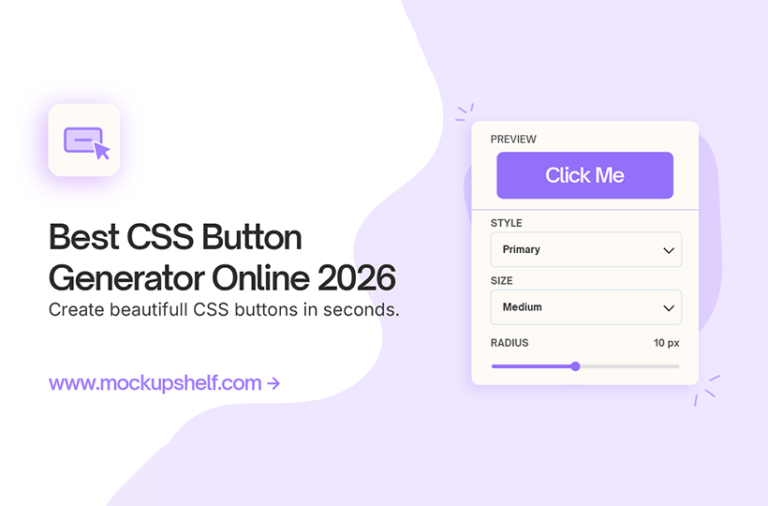
MockupShelf CSS Button Generator is the tool we built ourselves, so naturally we know it inside out. You get full control over gradient, shadow, border radius, padding, hover state, font size and weight, all updating in real time as you drag sliders. The code it spits out is clean. No -webkit clutter, no redundant lines. Just the CSS you actually need, ready to copy. It is free, opens instantly with no account, and works for anything from a simple CTA button to a fully styled gradient pill with a glow on hover.
Straightforward tool, does what it says. You pick your background, text color, border radius, padding, font size and shadow, see the result update live, and copy the CSS. No extras, no distractions. If you know what you want and just need the code fast, this one gets out of your way.
If you learned CSS on W3Schools, this will feel familiar. The button tool covers the basics well: color, size, border radius, padding. Nothing fancy, but the output is standard and clean. Good starting point if you are newer to CSS and want something that matches the code style you already know.
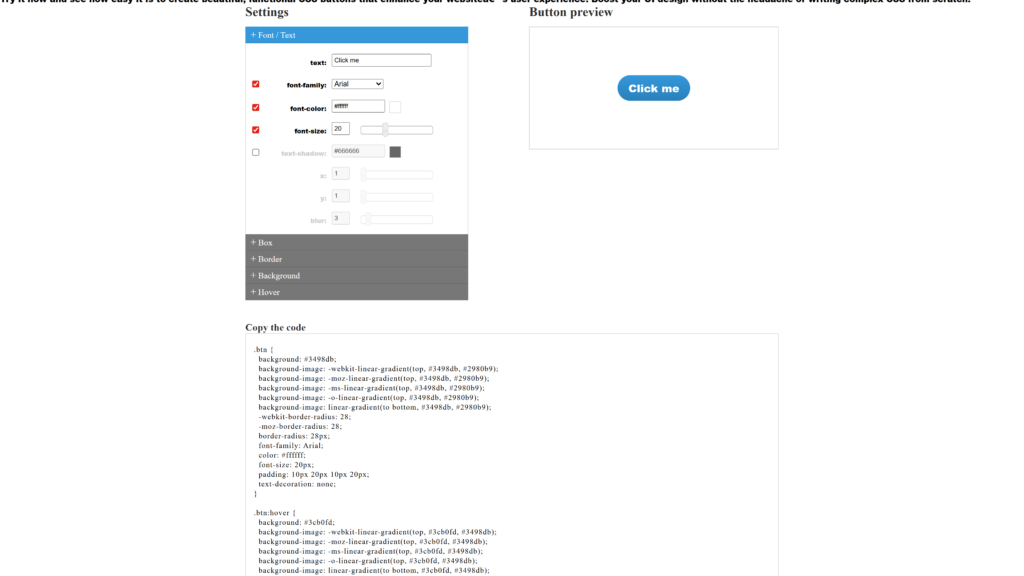
One of the older tools on this list, but it still holds up. Covers gradients, borders, text shadow and box shadow all in one place. The CSS3 output is solid and works across every modern browser without needing any tweaks. Good for when you want a gradient button built quickly.
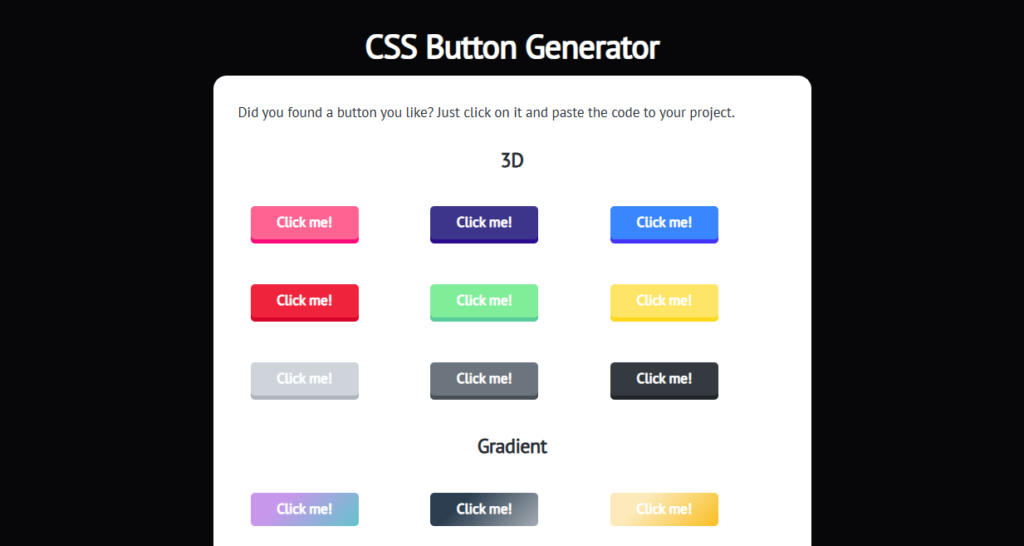
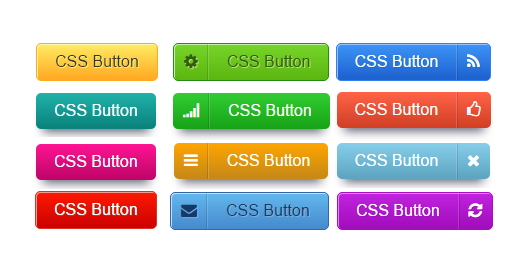
This one works differently. Instead of a generator with sliders, it is a library of ready-made button styles. You scroll through, spot one you like, click it, and copy the code. Flat buttons, animated ones, outlined, gradient, glowing effects. If you are looking for design ideas rather than building from a blank slate, this is the one to browse.
Similar idea to cssbuttons.io but with a different collection. Markodenic’s generator leans toward modern styles with things like glowing outlines and animated borders. Each one comes with the full HTML and CSS ready to grab. Worth a look when you want something that stands out a bit.
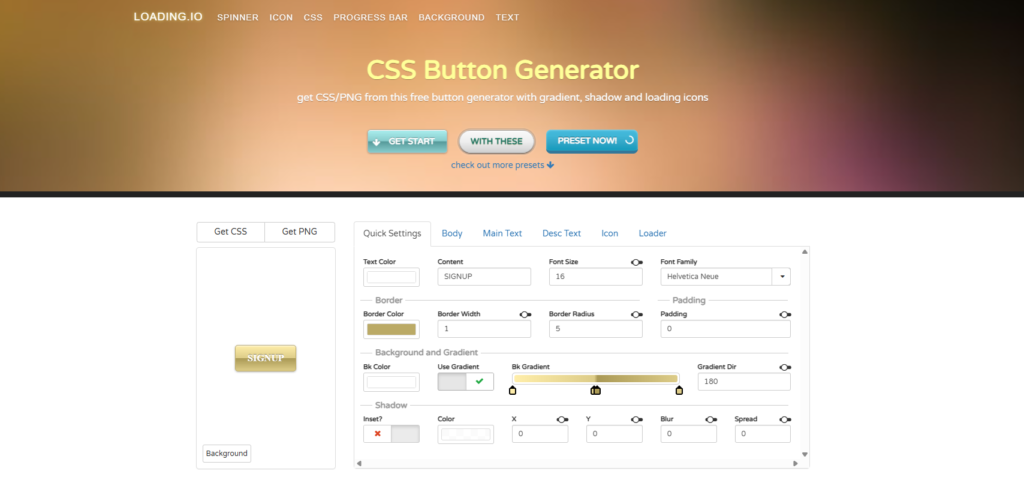
None of the other tools on this list cover loading state buttons, but Loading.io does. You can build buttons with a spinner that appears on click, progress indicators, and animated transitions built specifically for forms and checkout flows. If your project has a submit button that triggers an async action, this is worth opening.
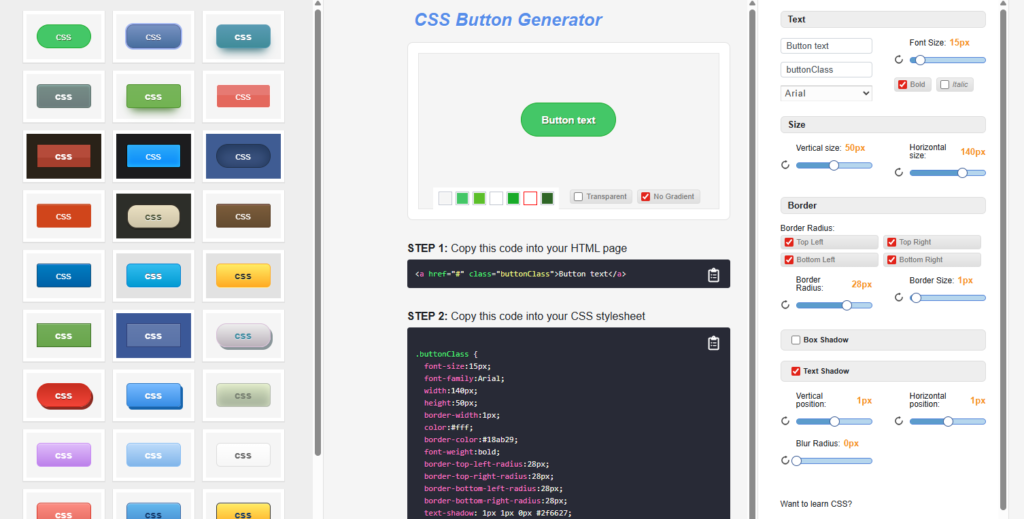
Covers everything you’d want in one place: background, gradient, text color, border, border
radius, padding, font, box shadow. Outputs both HTML and CSS together. The interface is a bit
busier than some of the others but the code it produces is clean and implementable as is.
Part of a wider set of code tools on the same site. The button generator itself covers all the
standard properties with a live preview and gives you HTML and CSS together. Useful if you are
already using their other generators and want to keep everything in one tab.
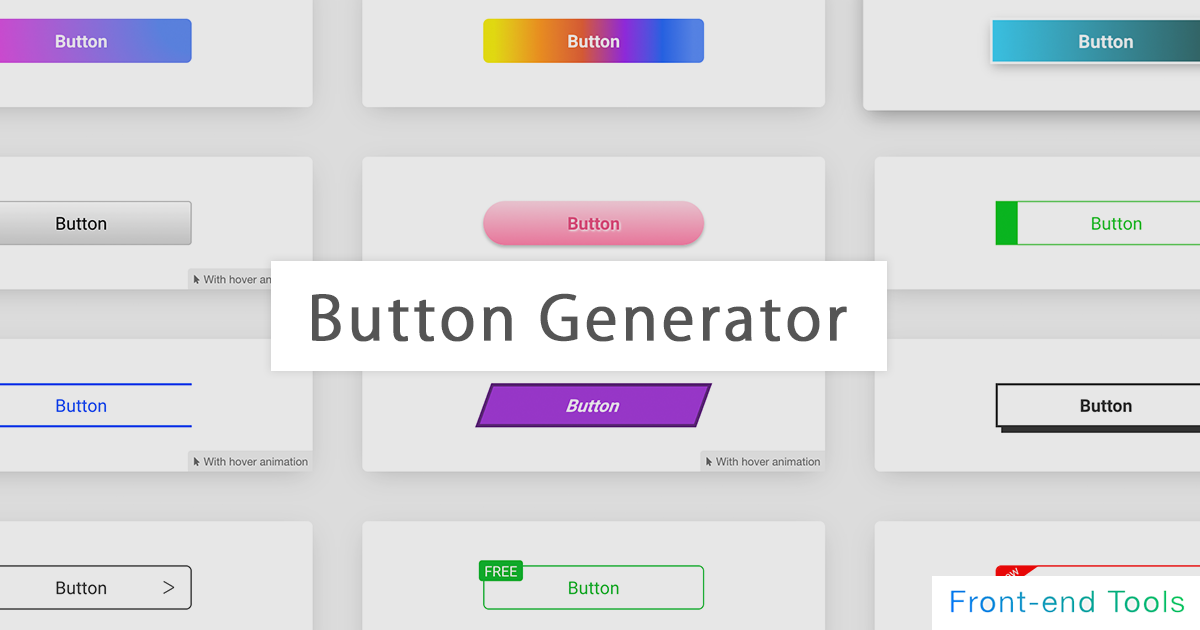
Fast and minimal. Open it, set your colors and radius, copy the CSS. No account, no extra steps.
Does not have the depth of MockupShelf but if you need a quick plain button with clean output, it does the job.
How to Use a CSS Button Generator
Using any of the tools above, especially MockupShelf’s CSS Button Generator, follows a simple workflow:
- Open the tool in your browser. Nothing to install, no account needed.
- Type your button label. Something like Sign Up, Get Started, or Download.
- Choose a background color. If you want a gradient, most tools have a toggle for that.
- Set your border radius. Zero gives sharp corners, around 6px looks modern, above 40px gives you a pill shape.
- Adjust padding until the button size feels right.
- Add a box shadow if you want depth. Even a subtle one at low opacity makes a difference.
- Set your hover style. Changing the background color on hover is the minimum. A transition of 0.2s or 0.3s makes it smooth.
- Click copy. The tool puts the HTML and CSS on your clipboard.
- Paste into your project. For WordPress, that is Additional CSS or an HTML widget. For everything else, drop it into your stylesheet.
What Makes a Great CSS Button Generator
Not all button generators are created equal. Here is what separates the best from the rest.
Live Preview
The preview should update as you drag a slider, not after you click a button. If you are waiting even a second to see your change reflected, the tool is slower than just writing the CSS yourself.
Full Property Coverage
At minimum you want background, border radius, padding, text color, box shadow and hover state. If the tool skips hover state you will have to write that yourself, which defeats the point.
Clean Code Output
At minimum you want background, border radius, padding, text color, box shadow and hover state. If the tool skips hover state you will have to write that yourself, which defeats the point.
Both HTML and CSS Output
The best tools give you the button tag and the CSS class together. Tools that give you only CSS mean you still have to write the HTML yourself.
Free with No Signup
Every tool on this list opens straight to the generator with no login screen. Some show ads around the interface, which is worth knowing before you open one during a client screen share.
Conclusion
All 10 tools here are free and need no account. If you are not sure where to start, open MockupShelf first. It has the most controls and the cleanest output of the bunch.
If you just want to browse pre-made styles and grab one, go to cssbuttons.io or Markodenic instead. And if you specifically need a button with a loading spinner for a form or checkout, Loading.io is the only one on this list built for that.
Frequently Asked Questions
Common questions about CSS button generators.
What is the best free CSS button generator online?
MockupShelf’s CSS Button Generator is the most complete option. It covers every button property including hover state, gives you real-time preview, and outputs clean HTML and CSS with no account required. For pre-made styles you just want to grab and use, cssbuttons.io is worth bookmarking alongside it.
Do I need to know CSS to use these tools?
No. All of them are visual. You adjust settings and the CSS writes itself. Knowing what a CSS class name is will help when you paste the code into your project, but you don’t need to write anything.
Will the generated CSS work on all browsers?
Yes, on everything modern. Chrome, Firefox, Safari, and Edge all handle the output from these tools without issues. None of them use old vendor prefixes, so you are not going to run into cross-browser problems.
Can I use these buttons in WordPress?
Yes, on everything modern. Chrome, Firefox, Safari, and Edge all handle the output from these tools without issues. None of them use old vendor prefixes, so you are not going to run into cross-browser problems.
What is the difference between a CSS button generator and writing CSS manually?
Speed. A generator gets you to a working button in under two minutes. Writing it yourself gives you more control over edge cases and complex animations, but for standard button styles there is no reason to do it from scratch. Use a generator, then tweak the output if you need something specific.