Home > Articles > Free Twitter/X Profile Card Generator

Free Twitter/X Profile Card Generator — Create and Download in Minutes

Want to create a Twitter profile card for free without design skills or a paid tool? This step-by-step guide shows you how to make a professional Twitter/X profile card in under two minutes — and download it as a high-resolution PNG with no signup and no watermark.

Quick answer: Use the MockupShelf Social Card Generator — a free, browser-based Twitter/X profile card maker that requires no account and adds no watermarks to your download.

What Is a Twitter/X Profile Card?

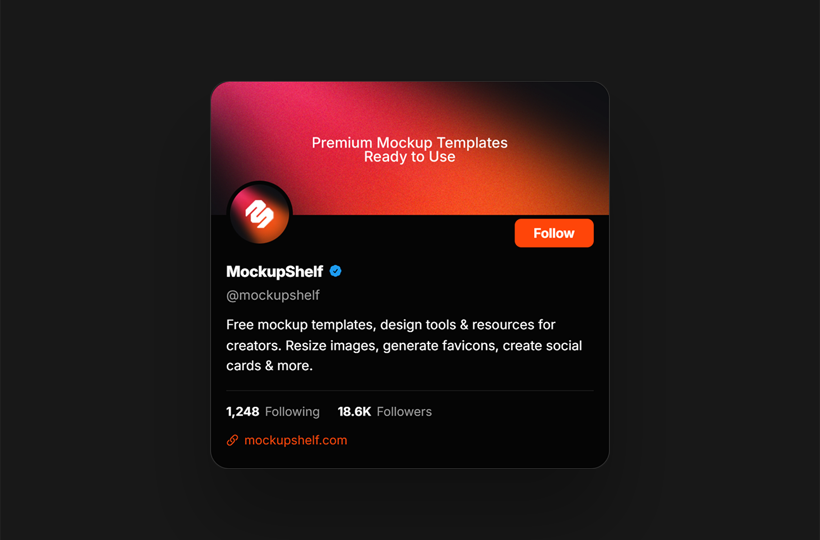
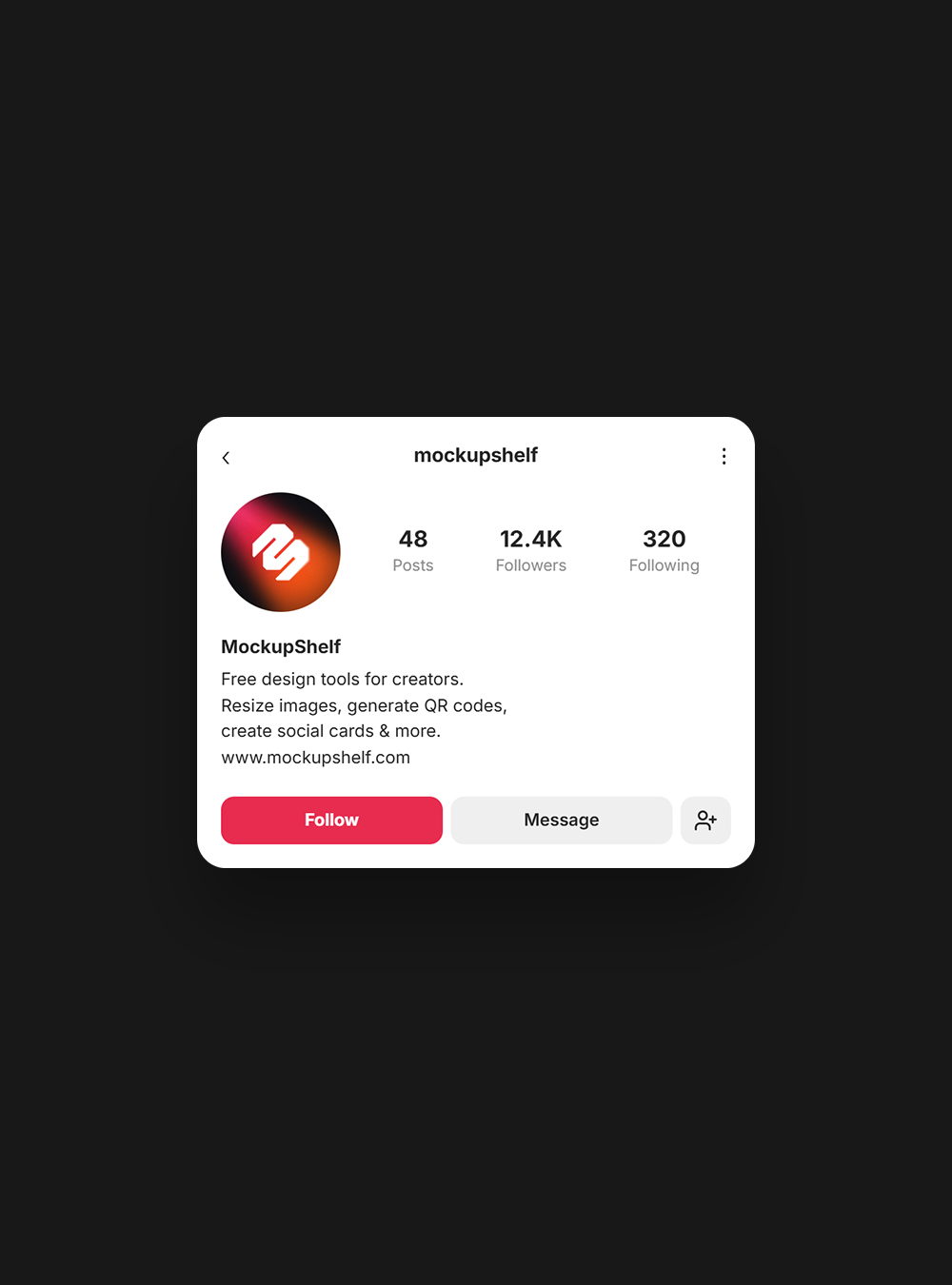
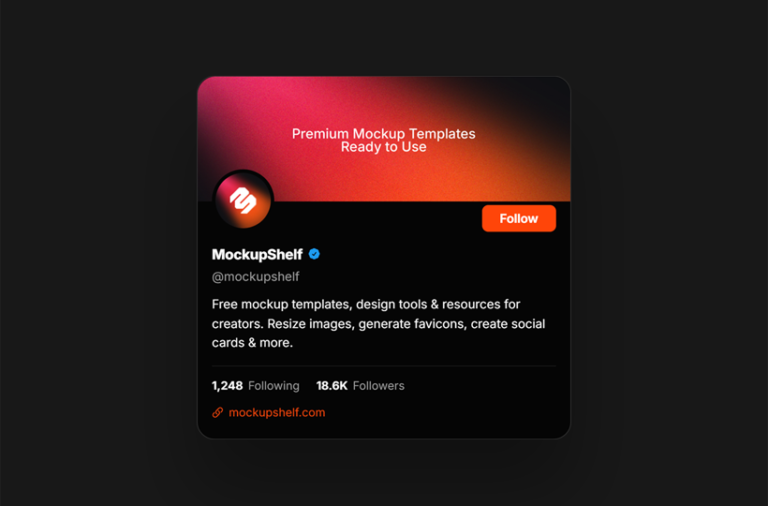
A Twitter/X profile card is a designed image that packages your social identity into a shareable visual, your name, @handle, bio, avatar, and a call-to-action, all in one clean card.

Unlike a screenshot of your Twitter profile, a profile card is:

  • Sized correctly for sharing across platforms
  • Exported at high resolution (no blurry pixels)
  • Fully customizable to match your brand colors and fonts
  • Ready to embed anywhere newsletters, portfolios, media kits, websites

Creators, freelancers, developers, and brands use profile cards to cross-promote their Twitter/X presence everywhere their audience already is.

Why You Need a Twitter/X Profile Card

Every time you publish a guest post, send a newsletter, or pitch a brand deal, you need a fast way to point people to your Twitter/X profile. A plain URL works, but a visual card works better — it’s more clickable, more memorable, and looks intentional.

Here’s where a Twitter profile card makes the biggest impact:

  • Personal website or portfolio (“Find me on X” section)
  • Email newsletter footers
  • Media kits for brand collaborations
  • LinkedIn posts and cross-promotion
  • Link-in-bio pages (Linktree, Beacons, etc.)
  • Guest post bylines and author pages

How to Create a Twitter/X Profile Card for Free (Step-by-Step)

The easiest way to create a Twitter profile card for free is with the MockupShelf Social Card Generator. No account. No watermark. Nothing to install.

Step 1 — Open the Free Twitter Card Generator

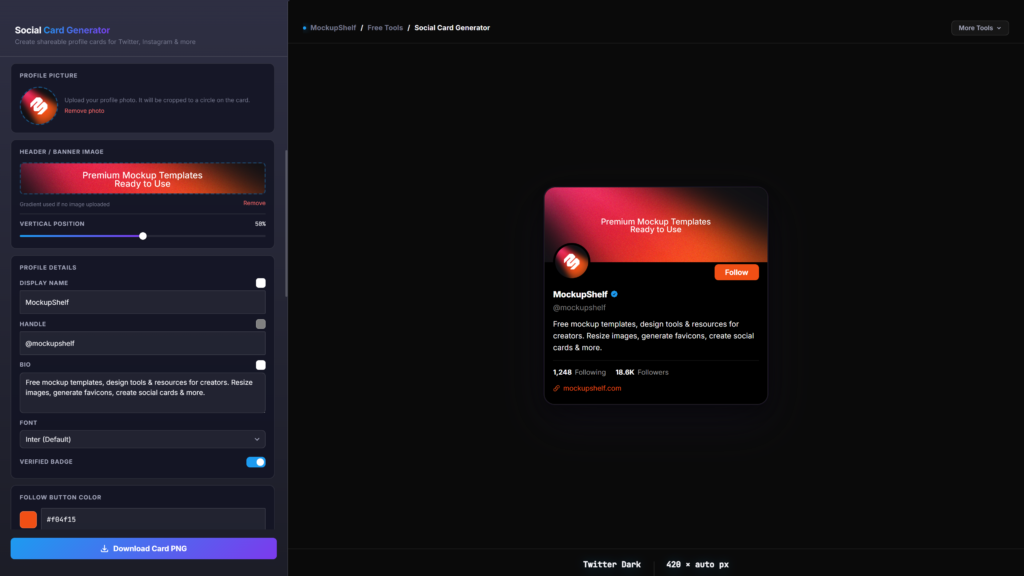
Go to mockupshelf.com/social-card-generator. The tool loads instantly in your browser on any device.

Step 2 — Choose the Twitter/X Dark Profile Card

Select the Twitter/X Dark Profile Card template. It’s designed to match X’s dark-mode aesthetic dark background, clean layout, proper proportions.

Step 3 — Upload Your Profile Photo

Click the avatar area and upload your photo. Supported formats: JPG, PNG, WebP, GIF. The tool automatically crops it into a circle just like it appears on Twitter/X. No manual editing needed.

Step 4 — Add Your Profile Details

FieldExample
Display nameJohn Carter
@handle@johncarter
BioDeveloper. Writing about tools & productivity.
Button labelFollow on X

Step 5 — Customize Your Card Design

Use the real-time controls to personalize the card:

  • Font — Inter, Roboto, Poppins, Playfair Display, and more
  • Background color — match your brand or keep the dark default
  • Text color — ensure contrast for readability
  • Verified badge — toggle on if you’re verified on X
  • Button color — match your palette

Every change reflects instantly in the live preview — no saving or refreshing needed.

Step 6 — Download Your Twitter Profile Card

Click Download. Your card exports as a PNG at 2× resolution (800×480px) — retina-ready, sharp on any screen, ready to share anywhere.

No email. No account. No watermark on the file.

Twitter/X Profile Card Size and Specs

PropertyValue
Canvas size400 × 240 px
Export resolution800 × 480 px (2×)
File formatPNG
Aspect ratio5:3

The 2× export ensures your card looks crisp on high-DPI screens and when embedded in larger layouts.

5 Tips for a Twitter Profile Card That Gets Clicks

1. Write a bio that states your value instantly. “I help SaaS founders write email sequences that convert” beats “Marketing professional.” Be specific.

2. Use a clear, well-lit photo. Blurry avatars undermine credibility. A clean headshot or a high-contrast logo always wins.

3. Match your brand colors. If you have a primary color — use it. Consistency across your card, website, and other assets builds recognition.

4. Make the CTA button direct. “Follow on X” is clear. “Click here” is not. Tell people exactly what happens when they follow the link.

5. Check readability at thumbnail size. Shrink your card to 200px wide. If your name and handle are still readable, you’re good. If they disappear, increase font size or contrast.


Other Free Social Cards You Can Create on MockupShelf

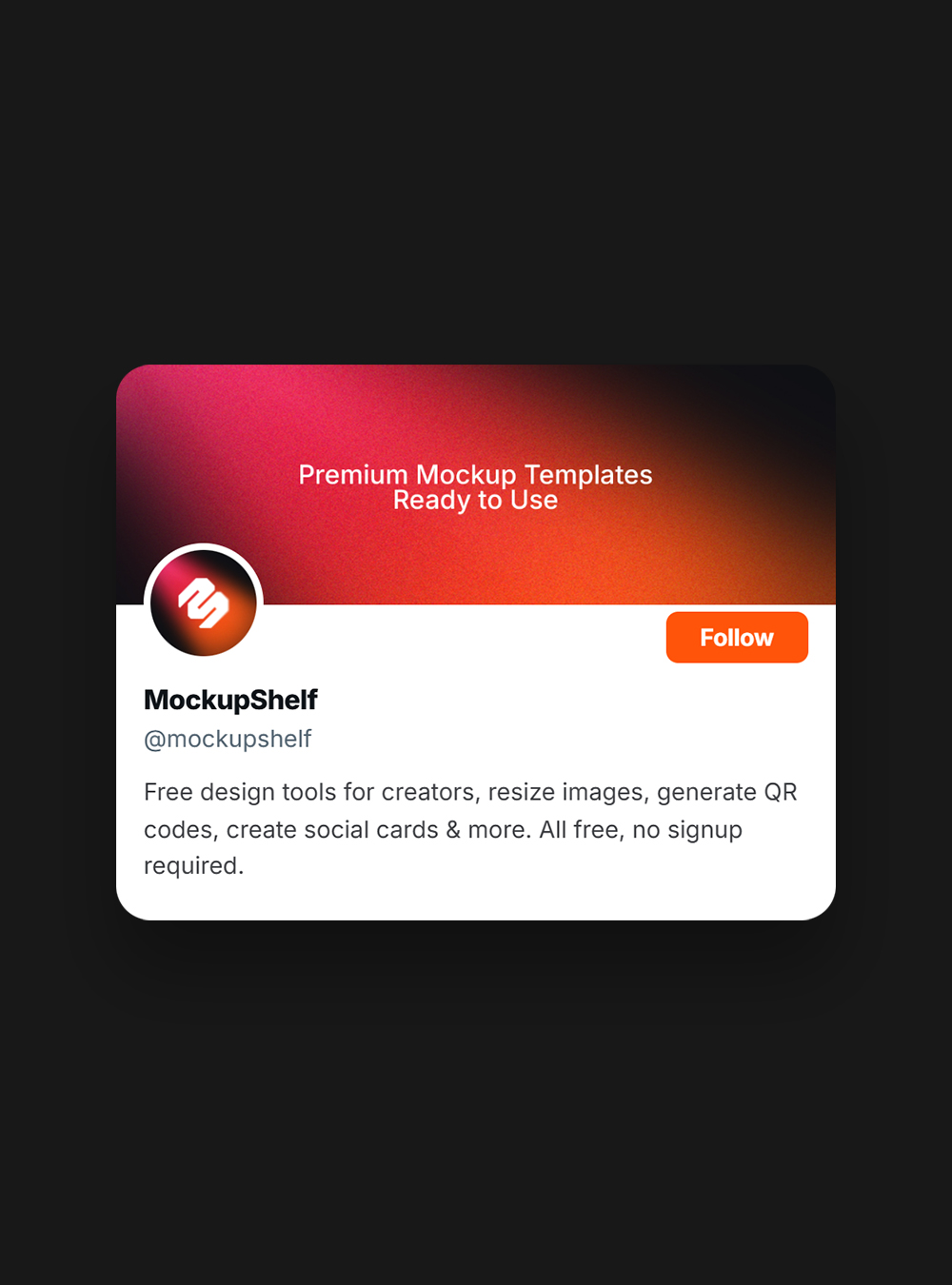
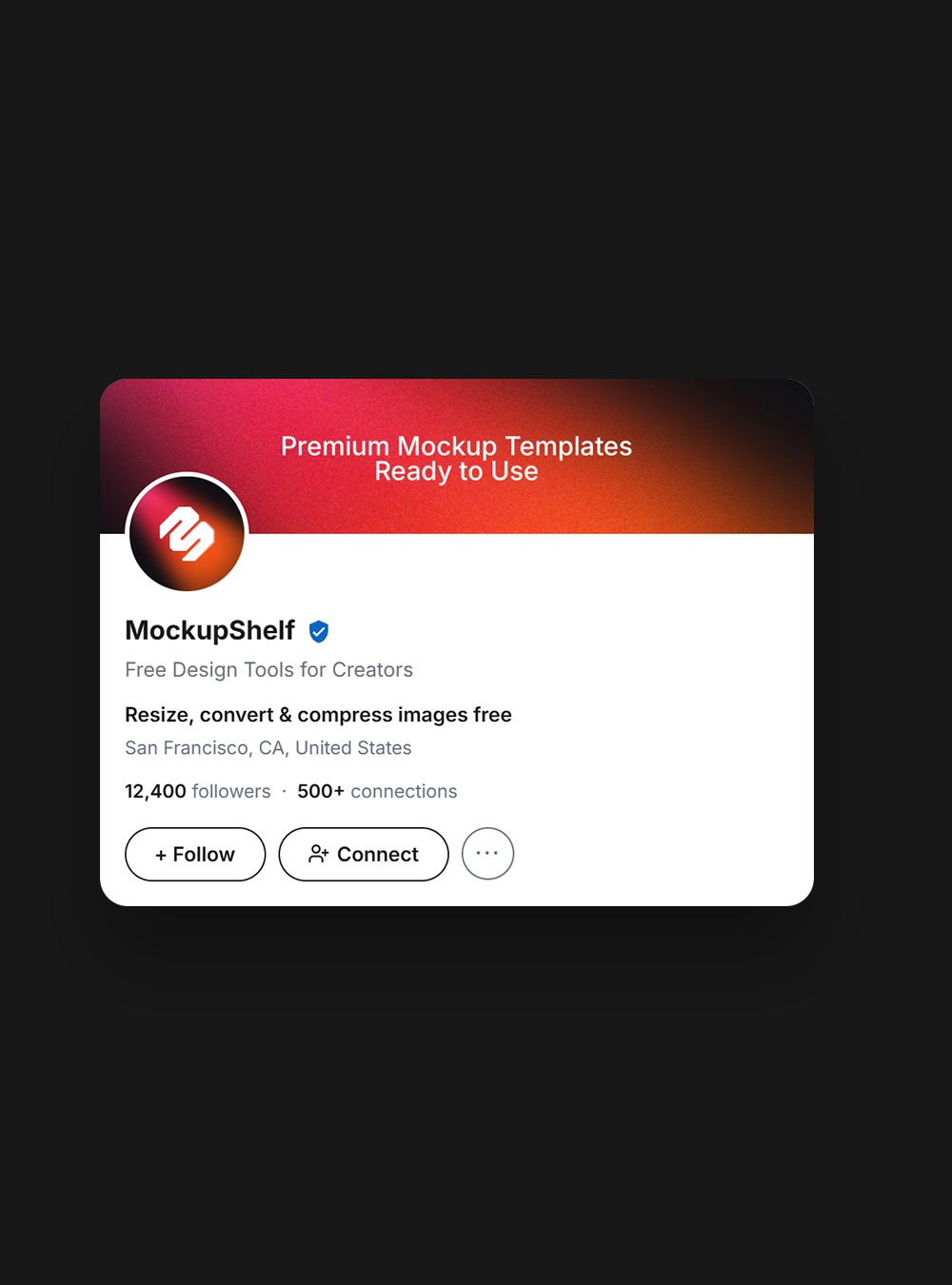
The MockupShelf Social Card Generator supports more than just Twitter/X cards. Using the same free tool, you can also create:

  • OG Image / Link Preview Card — the thumbnail that appears when you share a URL on social media (1200×630px)
  • Social Media Bio Card — a universal profile card for any platform
  • LinkedIn Profile Card — built for professional networking and media kits
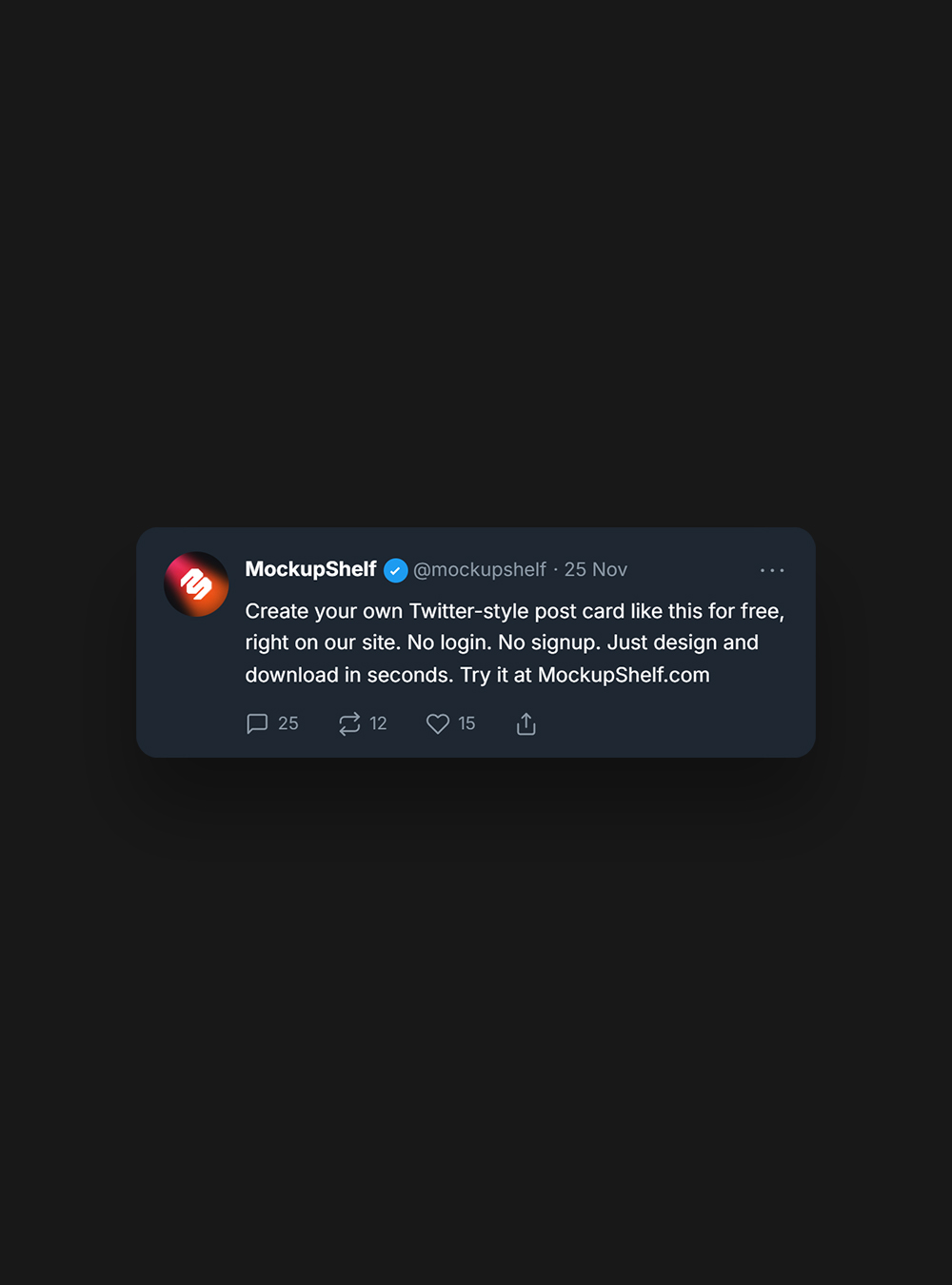
  • Tweet Card — turn a specific tweet into a shareable image
  • Browser Tab Card — a visual preview of a web page
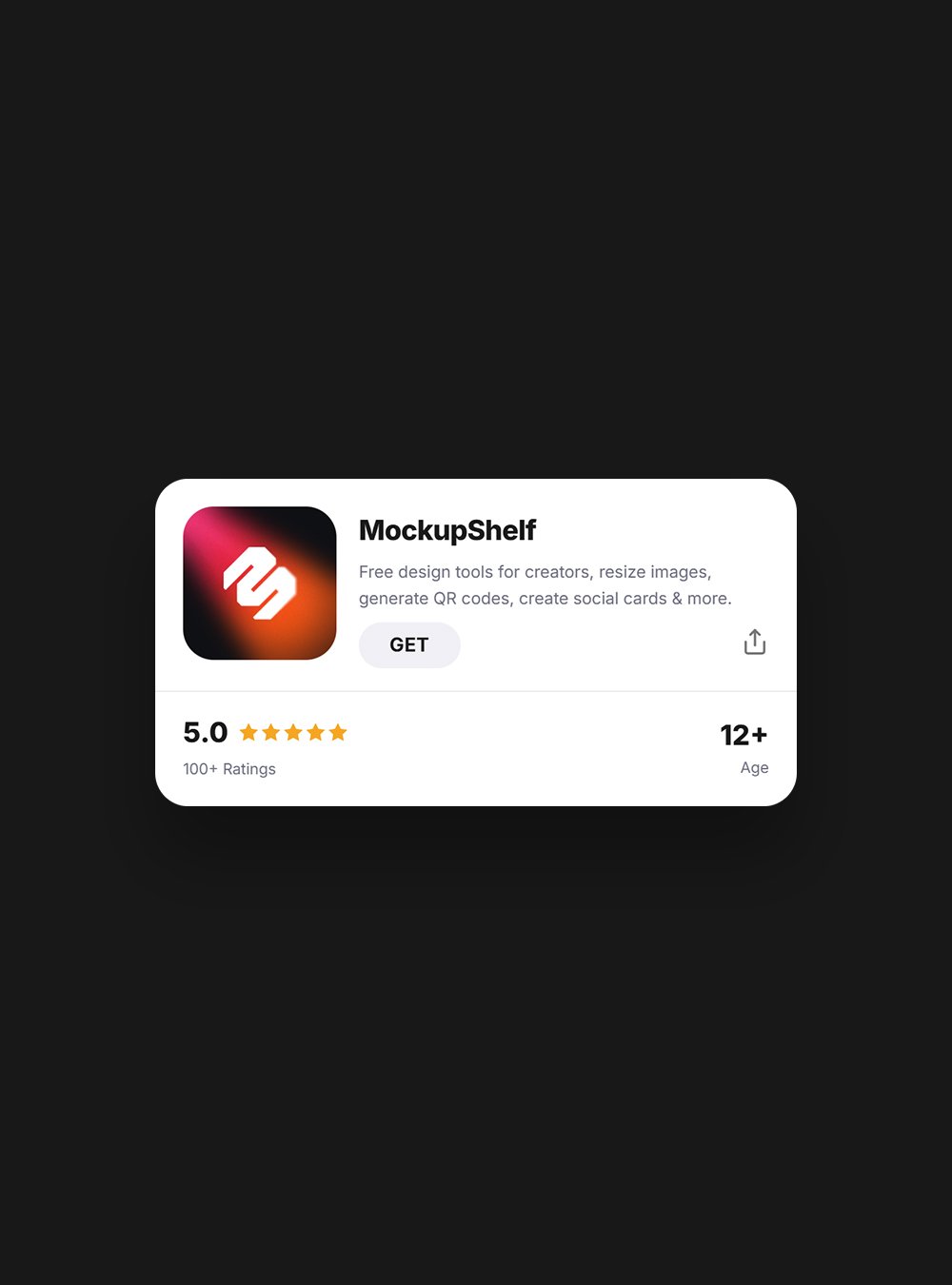
  • App Store Card — ideal for indie developers and product launches

All card types are free, export as high-resolution PNG files, and require no signup.

Frequently Asked Questions​

Common questions about CSS button generators.

Yes. The MockupShelf Social Card Generator is completely free and does not require an account, email address, or payment of any kind.

No. Cards downloaded from MockupShelf are watermark-free.

The MockupShelf Twitter/X profile card exports at 800×480px (2× of the 400×240px canvas), giving you a retina-quality PNG.

Yes. The card is a standard PNG file — you can use it in newsletters, on your website, in media kits, on LinkedIn, or anywhere else you want to promote your Twitter presence.

Yes. The tool runs entirely in the browser and works on both desktop and mobile devices.

Final Thoughts

Creating a professional Twitter/X profile card no longer requires design skills or paid software. With a free Twitter card generator like MockupShelf, the entire process — upload, customize, download — takes under two minutes.

If you’re building a presence on X, a shareable profile card is one of the smallest efforts with one of the clearest payoffs: it makes you look professional and makes it effortless for people to find and follow you.

Create your free Twitter/X profile card now →