

Created for designers, with designers in mind.
Square Flyer with Ceramic Plate Mockup
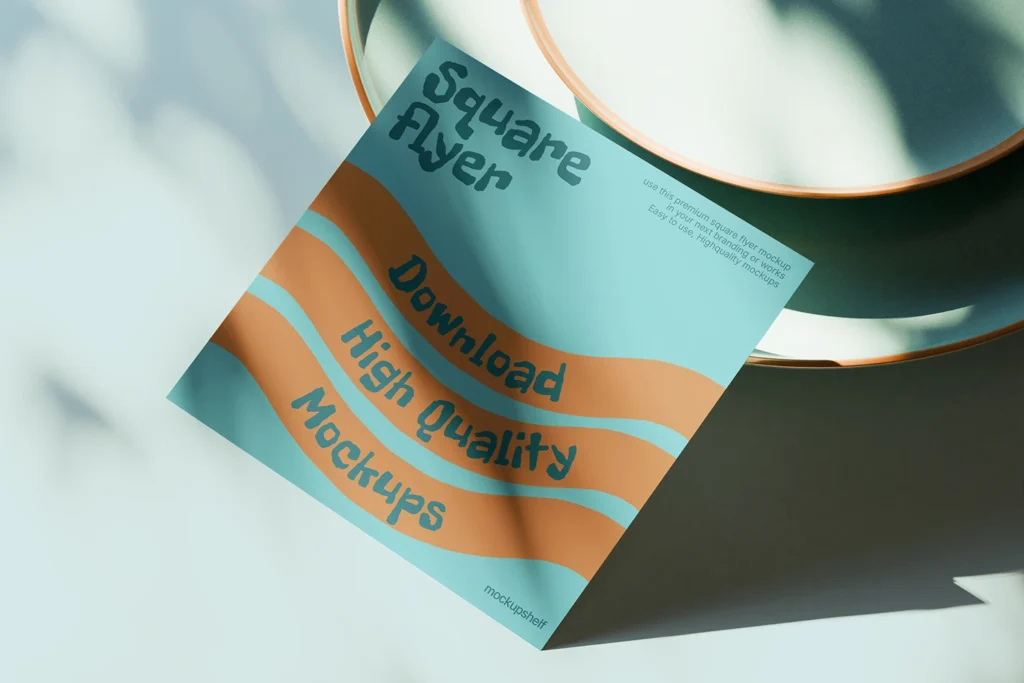
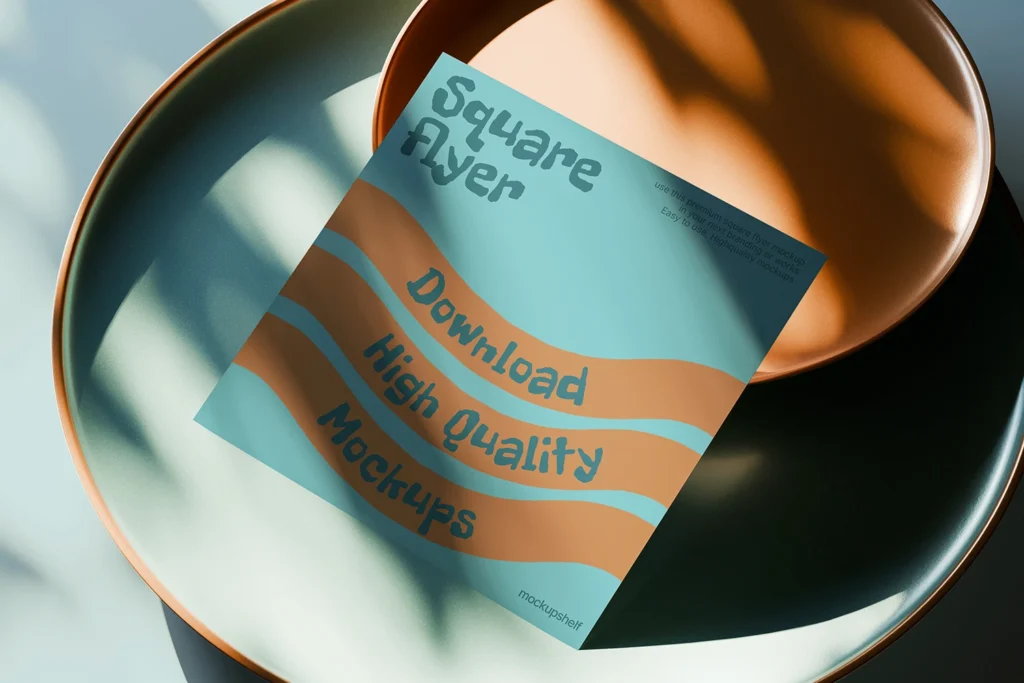
Showcase your designs with this free square flyer mockup featuring a ceramic plate. It includes 2 different scenes of the same square flyer, perfect for presenting promotional and print designs.
About This Mockup :
Present your creative work with this free square flyer mockup, designed for graphic designers, marketers, and branding professionals. Featuring a square flyer alongside a ceramic plate, this PSD mockup offers a creative way to showcase promotional designs, advertising materials, event announcements, and print layouts.
The mockup includes 2 different scenes featuring the same flyer, giving you more ways to present your artwork. The flyer has a square 1:1 aspect ratio, making it suitable for square promotional materials, product announcements, marketing campaigns, and other creative print projects.
Open the PSD file in Adobe Photoshop and use the Smart Object layers to insert your own artwork. Customize your design and create realistic presentations for client projects, portfolios, and branding concepts.
PSD file included
Smart object for easy edits
Ceramic Plate
1:1 square flyer
Free for commercial use
Realistic flyer
Open Presentation
Promotional and Print designs
Available Format: Layered PSD | Smart object
License: Free Personal & Commercial Use
What is Inside Zip File : 2 PSD file | 2 Preview Image
Mockup Dimension : 3000 x 2000 | 300 DPI
Created by : www.mockupshelf.com
Download Details
Free for personal & commercial use · No attribution required
Note: MockupShelf.com is completely free to use, with no hidden charges or redirects. The site is supported by ads, so if you enjoy our resources, please consider disabling your ad blocker to help keep us alive.

Video tutorial on “How to Use” our Mockups
Stay Updated
Get notified about new mockups, premium bundles, free resources, and product updates. No spam
Frequently Asked Questions
Basic download questions, file expectations and preview-related answers.
Is this mockup free to download?
Yes, this mockup is completely free to download. No sign-up, no account, and no hidden fees required.
What software do I need to edit this mockup?
You need Adobe Photoshop to open and edit the PSD file. Alternatively, you can use Photopea, a free browser-based editor that fully supports PSD Smart Objects.
How do I add my design to this mockup?
Open the PSD file, find the Smart Object layer labeled “Your Design Here,” double-click it, paste your artwork, and save. Your design will appear automatically inside the mockup scene.
Can I use this mockup for commercial projects?
Yes. All mockups on MockupShelf are free for both personal and commercial use with no attribution required.
Do I need to create an account to download?
No. Every mockup on MockupShelf is available for direct download with no account or sign-up needed.
Can I edit the background color of this mockup?
Yes. Open the PSD file and locate the Background layer — double-click the color swatch to change it to any color that suits your project.