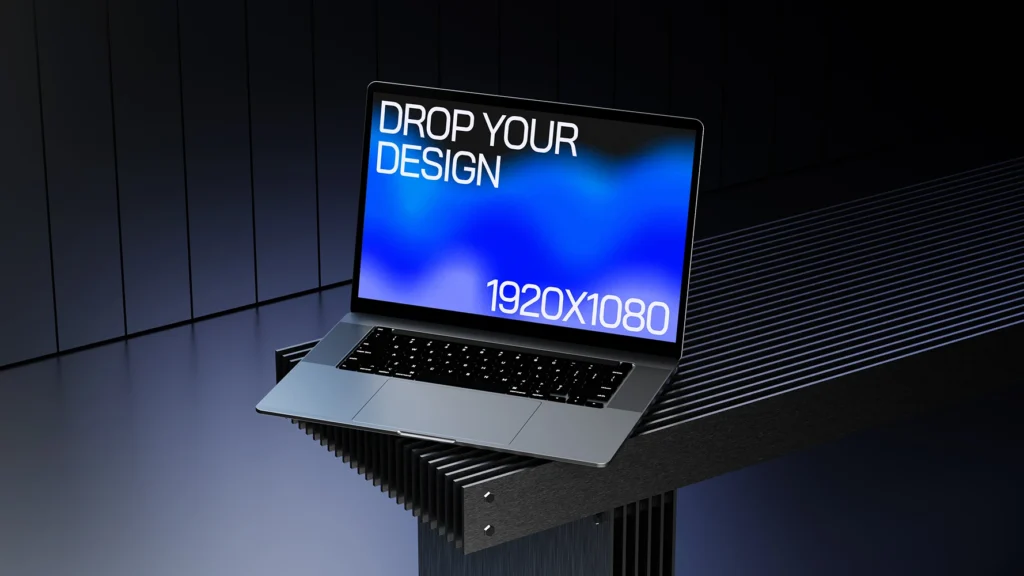
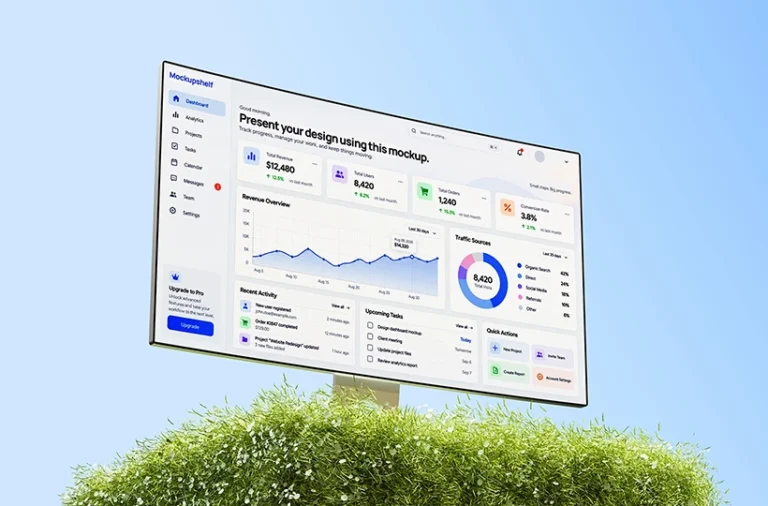
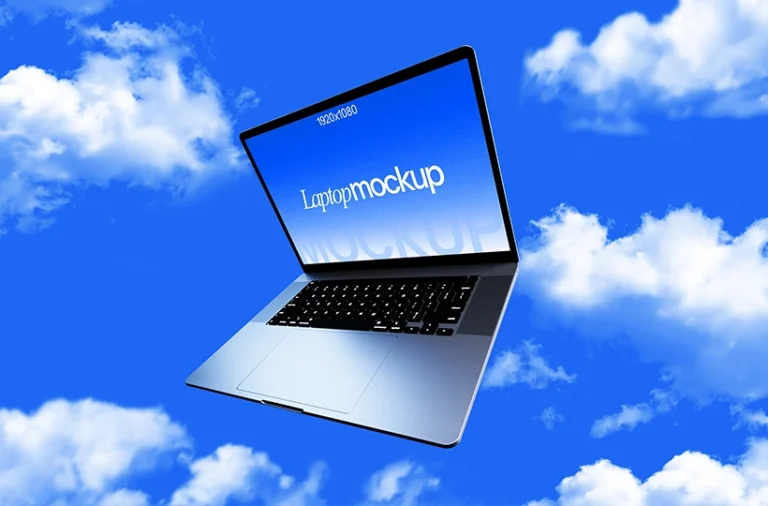
Showcase your digital designs with this free laptop mockup. It features a modern laptop with a large screen, making it suitable for presenting websites, apps, UI layouts, and other digital projects.
About This Mockup
Present your creative work with this free laptop mockup, designed for graphic designers, web designers, and digital creators. It provides a realistic way to display website layouts, app interfaces, dashboards, landing pages, and other screen-based designs.
Use this laptop mockup to create professional presentations for client projects, design portfolios, marketing materials, and personal projects. Add your own screen design to showcase your work in a clear and attractive way.
Whether you are presenting a new website, promoting an application, or displaying a UI concept, this laptop mockup helps bring your digital designs into a realistic presentation.
Format :PSD(Photoshop)
License : Free Personal & Commercial Use
File List: 1 PSD & JPG
Dimension : 3840 x 2160 | 300 DPI
Laptop Mockup
16:9 Ratio
Angled View
UI and UX presentations
Placeholder Size – 1920×1080
Note:MockupShelf.com is completely free to use, with no hidden charges or redirects. The site is supported by ads, so if you enjoy our resources, please consider disabling your ad blocker to help keep us alive.
Basic download questions, file expectations and preview-related answers.
Is this mockup free to download?
Yes, this mockup is completely free to download. No sign-up, no account, and no hidden fees required.
What software do I need to edit this mockup?
You need Adobe Photoshop to open and edit the PSD file. Alternatively, you can use Photopea, a free browser-based editor that fully supports PSD Smart Objects.
How do I add my design to this mockup?
Open the PSD file, find the Smart Object layer labeled “Your Design Here,” double-click it, paste your artwork, and save. Your design will appear automatically inside the mockup scene.
Can I use this mockup for commercial projects?
Yes. All mockups on MockupShelf are free for both personal and commercial use with no attribution required.
Do I need to create an account to download?
No. Every mockup on MockupShelf is available for direct download with no account or sign-up needed.
Can I edit the background color of this mockup?
Yes. Open the PSD file and locate the Background layer — double-click the color swatch to change it to any color that suits your project.