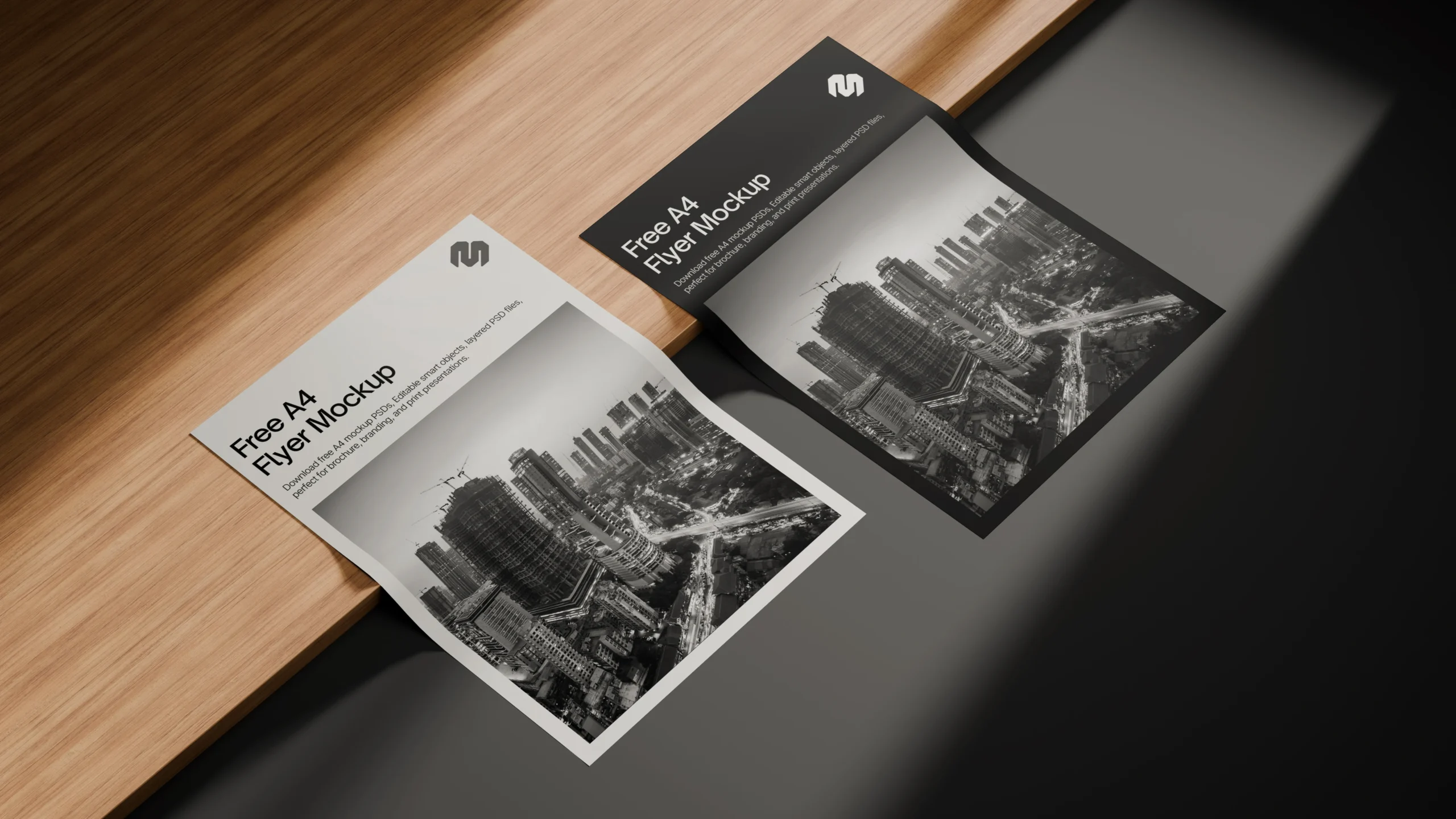
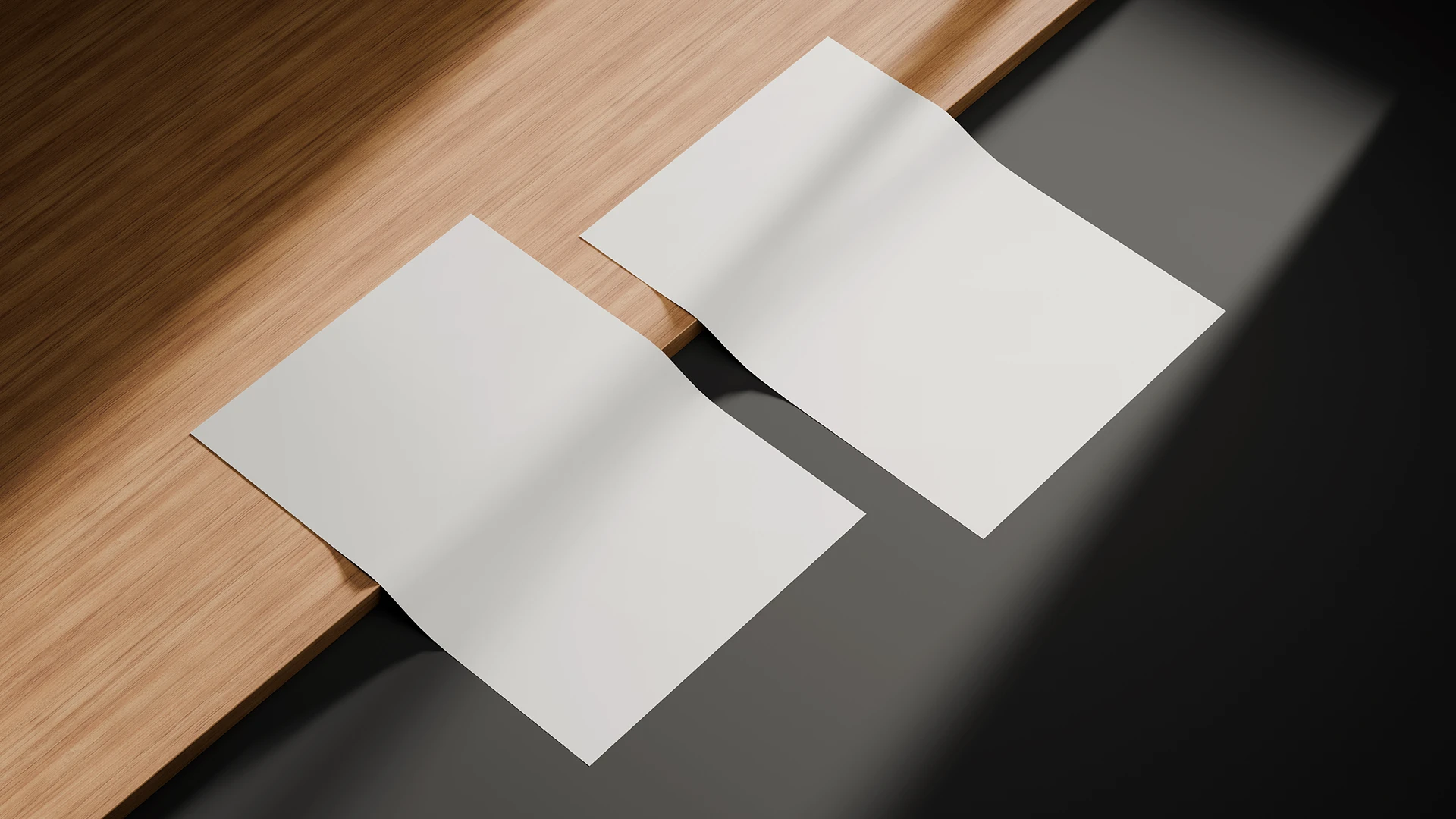
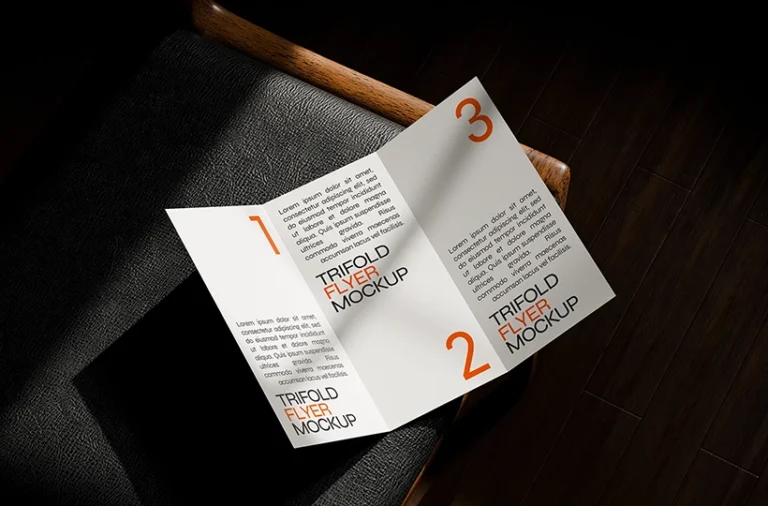
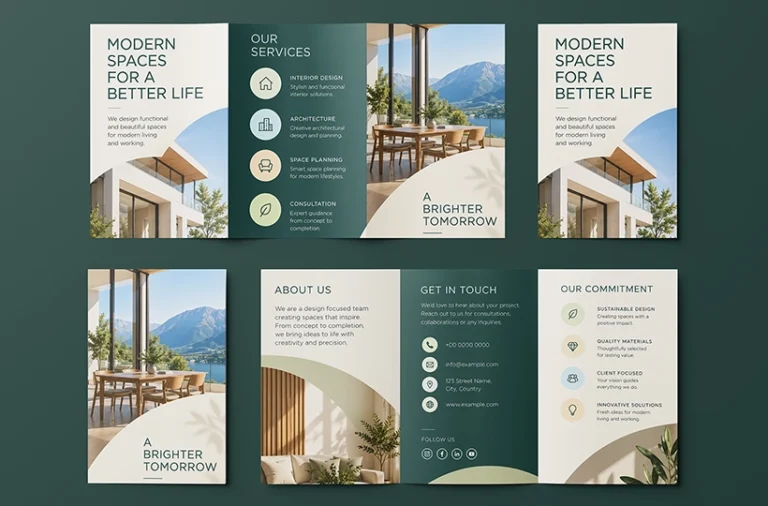
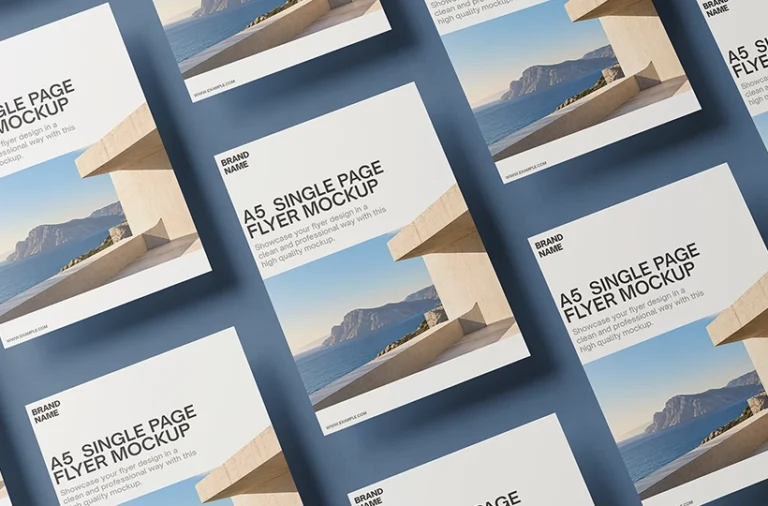
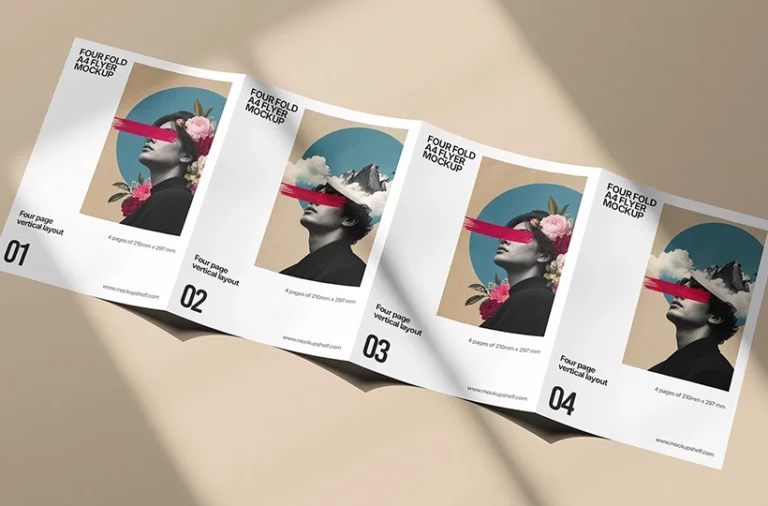
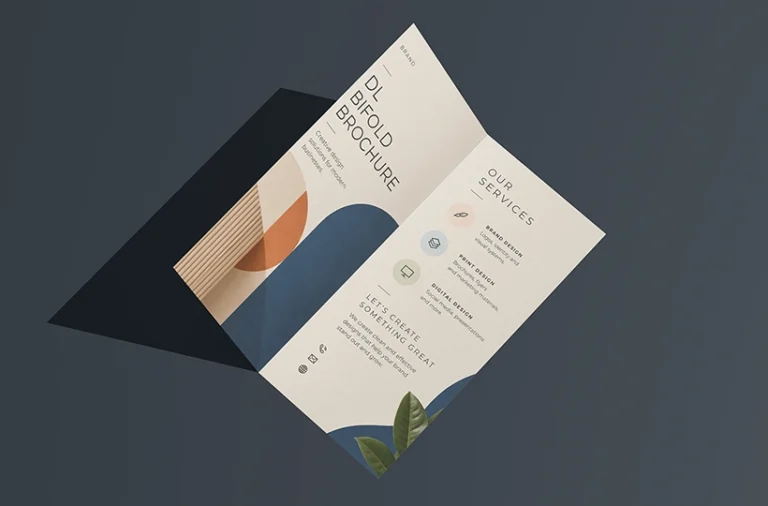
Showcase two flyer designs together with this free A4 flyer mockup PSD. Featuring two single page A4 flyers arranged around a wooden plank, this mockup creates a realistic presentation for branding, promotional artwork, editorial layouts and print designs.
About This Mockup :
This free two A4 flyer mockup PSD features two flat, single page flyers arranged across a wooden plank and dark surface. The flyers are positioned at different angles with subtle paper curvature, realistic shadows and directional lighting, creating a natural print presentation while keeping both designs clearly visible. It is ideal for showcasing two design variations, complementary artwork, promotional flyers, branding materials and other A4 print layouts in one scene.
Note:MockupShelf.com is completely free to use, with no hidden charges or redirects. The site is supported by ads, so if you enjoy our resources, please consider disabling your ad blocker to help keep us alive.
Get notified about new mockups, premium bundles, free resources, and product updates. No spam
You May Also Like
Frequently Asked Questions
Basic download questions, file expectations and preview-related answers.
Is this mockup free to download?
Yes, this mockup is completely free to download. No sign-up, no account, and no hidden fees required.
What software do I need to edit this mockup?
You need Adobe Photoshop to open and edit the PSD file. Alternatively, you can use Photopea, a free browser-based editor that fully supports PSD Smart Objects.
How do I add my design to this mockup?
Open the PSD file, find the Smart Object layer labeled “Your Design Here,” double-click it, paste your artwork, and save. Your design will appear automatically inside the mockup scene.
Can I use this mockup for commercial projects?
Yes. All mockups on MockupShelf are free for both personal and commercial use with no attribution required.
Do I need to create an account to download?
No. Every mockup on MockupShelf is available for direct download with no account or sign-up needed.
Can I edit the background color of this mockup?
Yes. Open the PSD file and locate the Background layer — double-click the color swatch to change it to any color that suits your project.