Outdoor Billboard Mockup on a Container Background
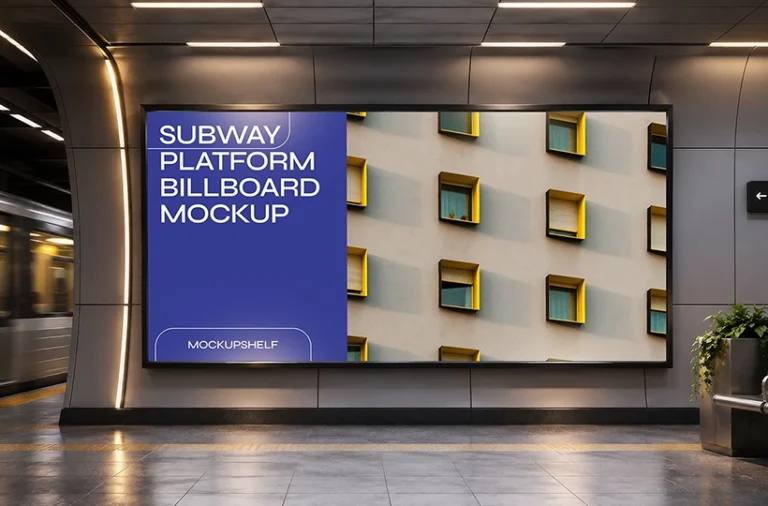
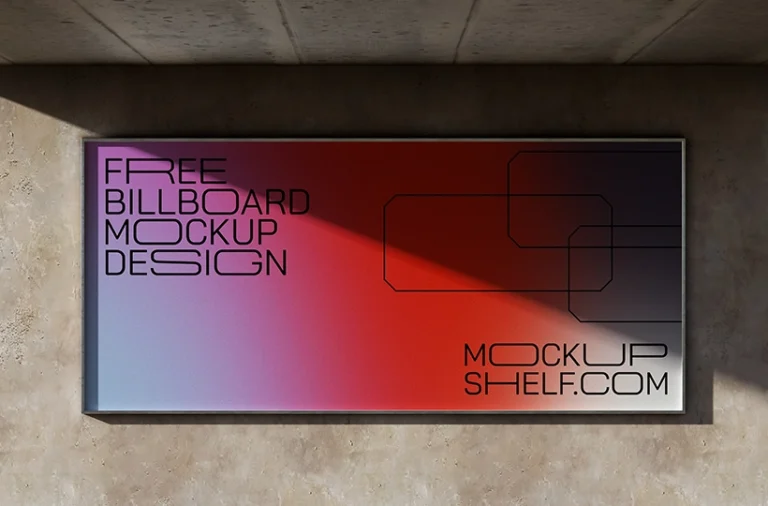
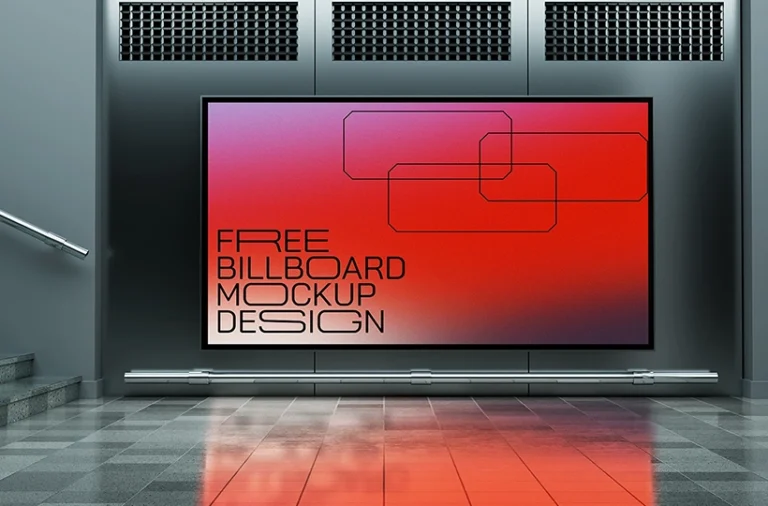
Showcase your advertising designs in an industrial setting with this Outdoor Billboard Mockup on a Container Background. The mockup features a wide framed billboard mounted on a corrugated shipping container wall, creating a realistic commercial environment for presenting advertisements, brand campaigns, and promotional graphics.
About This Mockup
This outdoor billboard mockup features a large horizontal advertising display mounted directly onto the side of a shipping container. The billboard has a thick black frame and a slightly raised structure, giving the display realistic depth against the corrugated metal surface. The front-facing composition provides a clear view of the entire advertising area, making it easy to showcase large graphics and campaign layouts.
The corrugated container wall creates an industrial background with strong vertical lines and a clean light surface. The dark base at the bottom adds contrast and helps ground the scene, giving the mockup a realistic outdoor commercial appearance. The combination of the industrial container texture and framed advertising board makes this scene different from a standard building wall billboard mockup.
This mockup is suitable for container advertising, outdoor marketing campaigns, brand promotions, product advertisements, event graphics, retail advertising, corporate campaigns, fashion promotions, and large format advertising designs. The wide billboard area provides enough room for bold headlines, photography, logos, product visuals, and promotional messaging.
Format :PSD(Photoshop)
License : Free Personal & Commercial Use
File List: 1 PSD & JPG
Dimension : Nil
Bill Board
Street billboard mockup
Outdoor advertising display
Outdoor lighting and shadows
Promotional Ad Designs
Free Size
Note:MockupShelf.com is completely free to use, with no hidden charges or redirects. The site is supported by ads, so if you enjoy our resources, please consider disabling your ad blocker to help keep us alive.
Basic download questions, file expectations and preview-related answers.
Is this mockup free to download?
Yes, this mockup is completely free to download. No sign-up, no account, and no hidden fees required.
What software do I need to edit this mockup?
You need Adobe Photoshop to open and edit the PSD file. Alternatively, you can use Photopea, a free browser-based editor that fully supports PSD Smart Objects.
How do I add my design to this mockup?
Open the PSD file, find the Smart Object layer labeled “Your Design Here,” double-click it, paste your artwork, and save. Your design will appear automatically inside the mockup scene.
Can I use this mockup for commercial projects?
Yes. All mockups on MockupShelf are free for both personal and commercial use with no attribution required.
Do I need to create an account to download?
No. Every mockup on MockupShelf is available for direct download with no account or sign-up needed.
Can I edit the background color of this mockup?
Yes. Open the PSD file and locate the Background layer — double-click the color swatch to change it to any color that suits your project.