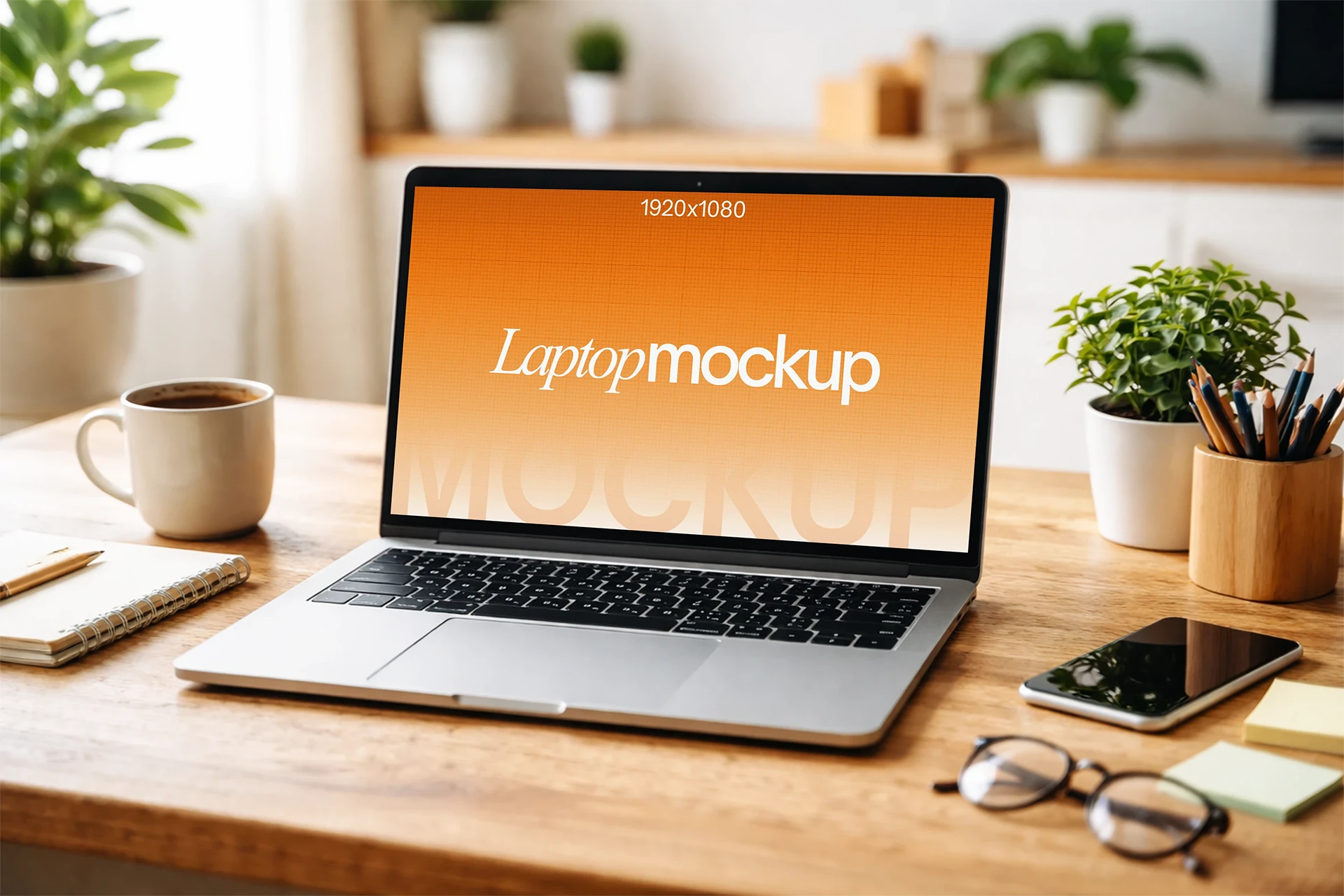
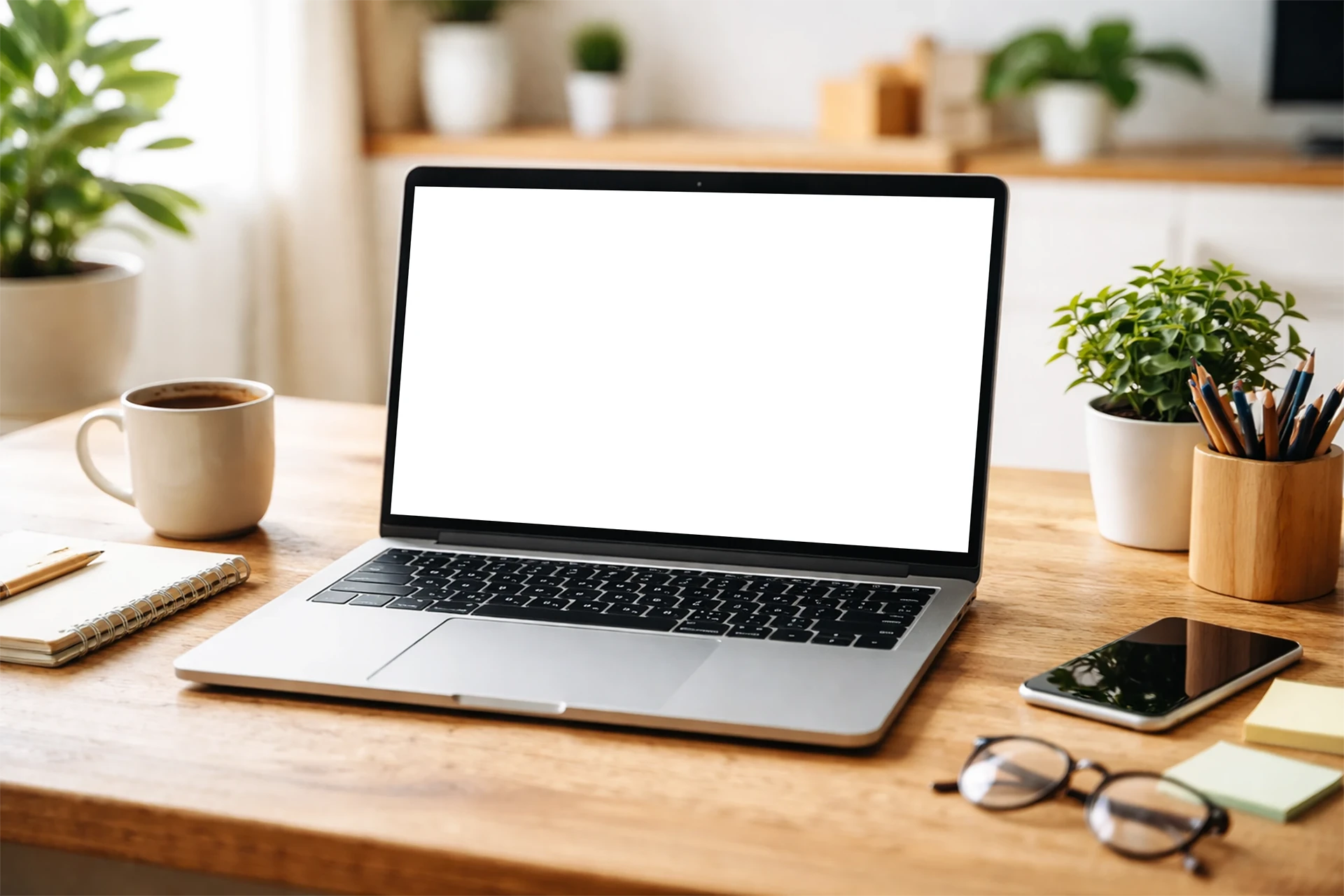
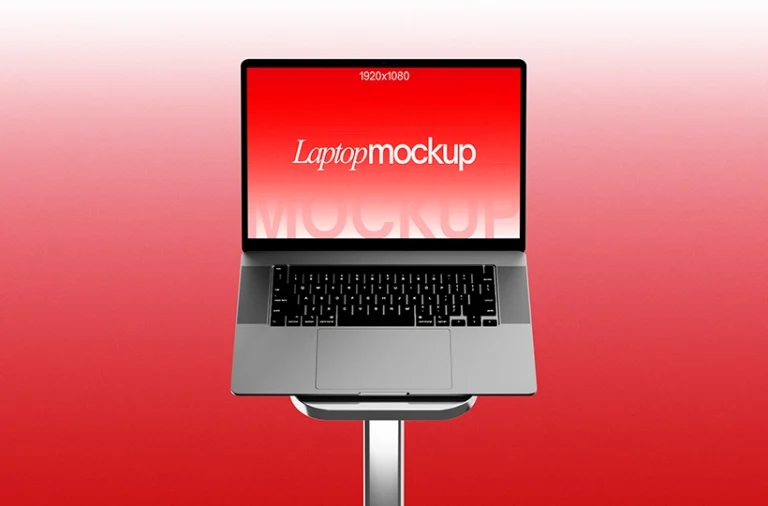
Showcase your website, app interface, dashboard or digital product design with this free home office laptop mockup PSD. Featuring an open laptop placed on a clean workspace desk, this mockup creates a realistic presentation for website previews, SaaS products, portfolio projects, remote work concepts and modern branding visuals.
About This Mockup :
This free home office laptop mockup PSD features an open laptop positioned on a desk with the screen clearly facing forward. The indoor workspace setup, desk accessories and natural home office atmosphere create a polished lifestyle presentation while keeping your screen artwork easy to view. It is ideal for showcasing website layouts, app screens, software dashboards, SaaS interfaces, landing pages, portfolio projects, online services, digital products and remote work branding.
Note:MockupShelf.com is completely free to use, with no hidden charges or redirects. The site is supported by ads, so if you enjoy our resources, please consider disabling your ad blocker to help keep us alive.
Get notified about new mockups, premium bundles, free resources, and product updates. No spam
You May Also Like
Frequently Asked Questions
Basic download questions, file expectations and preview-related answers.
Is this mockup free to download?
Yes, this mockup is completely free to download. No sign-up, no account, and no hidden fees required.
What software do I need to edit this mockup?
You need Adobe Photoshop to open and edit the PSD file. Alternatively, you can use Photopea, a free browser-based editor that fully supports PSD Smart Objects.
How do I add my design to this mockup?
Open the PSD file, find the Smart Object layer labeled “Your Design Here,” double-click it, paste your artwork, and save. Your design will appear automatically inside the mockup scene.
Can I use this mockup for commercial projects?
Yes. All mockups on MockupShelf are free for both personal and commercial use with no attribution required.
Do I need to create an account to download?
No. Every mockup on MockupShelf is available for direct download with no account or sign-up needed.
Can I edit the background color of this mockup?
Yes. Open the PSD file and locate the Background layer — double-click the color swatch to change it to any color that suits your project.