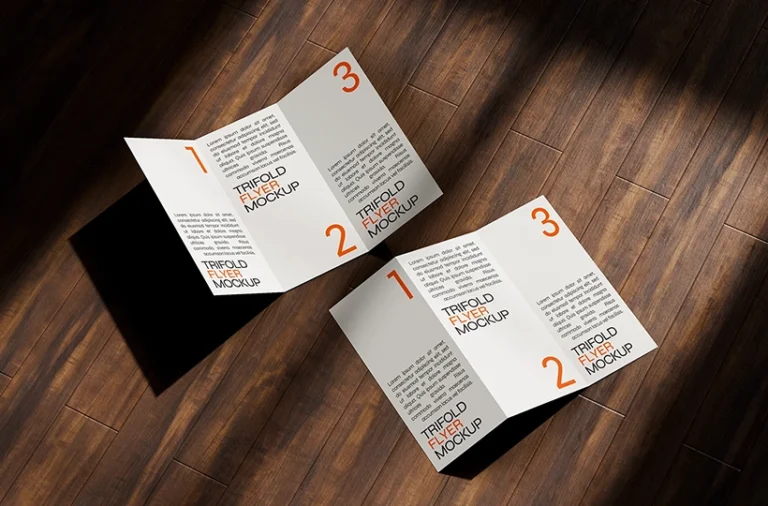
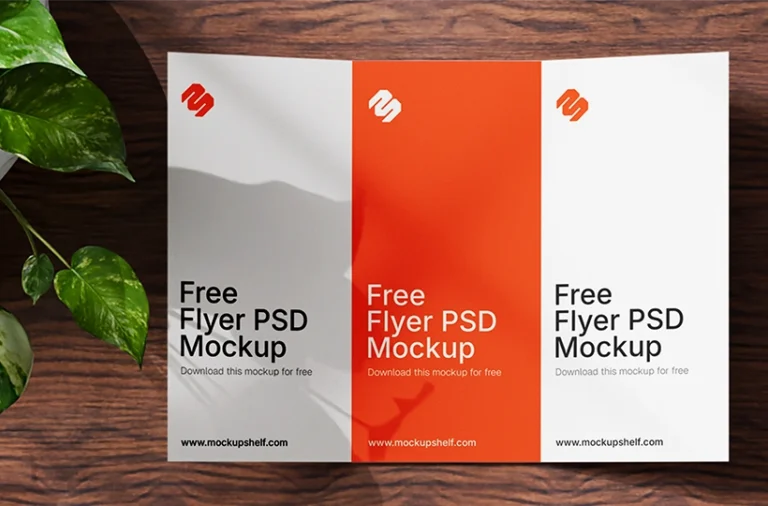
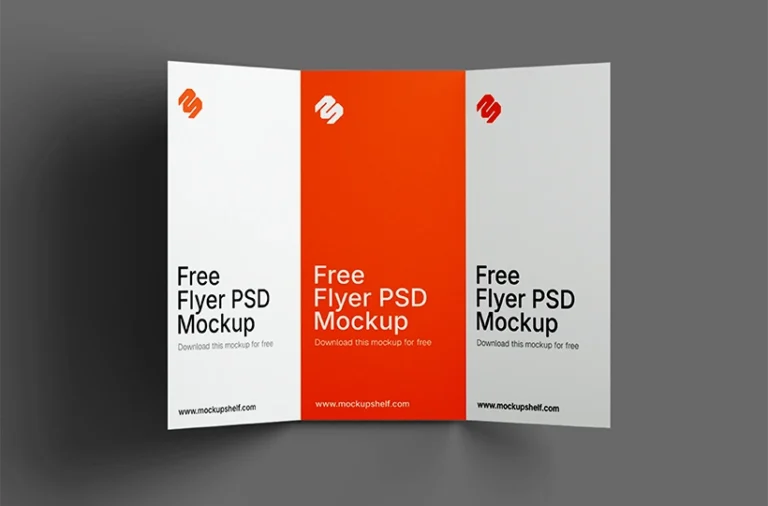
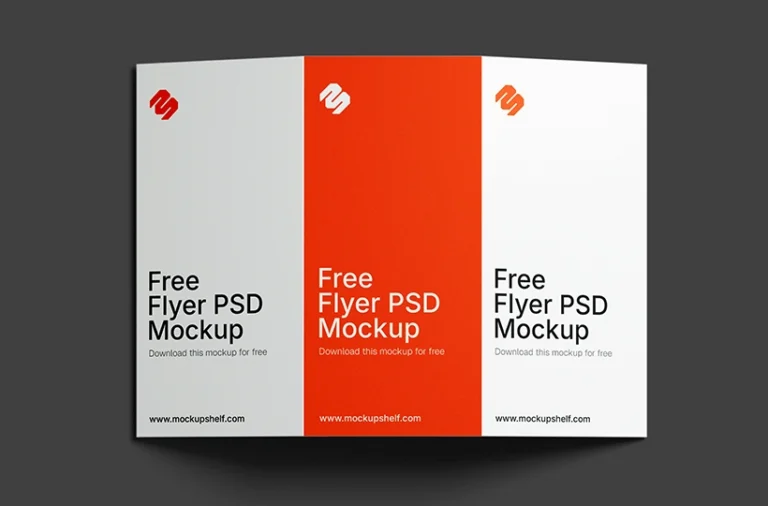
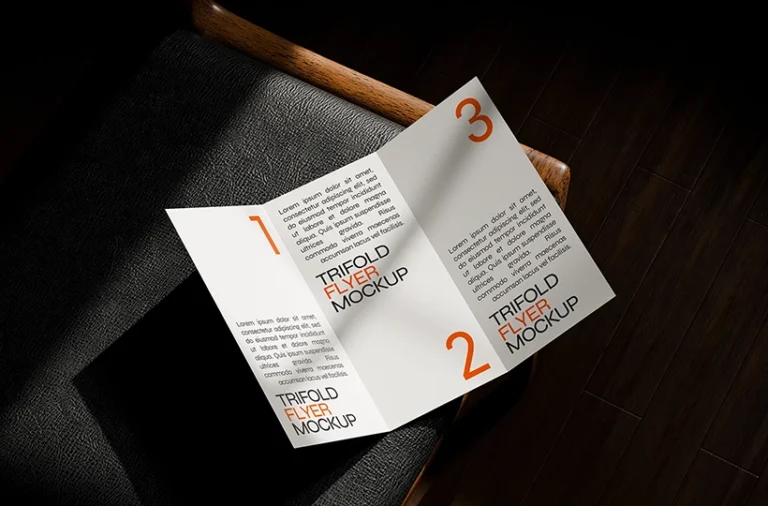
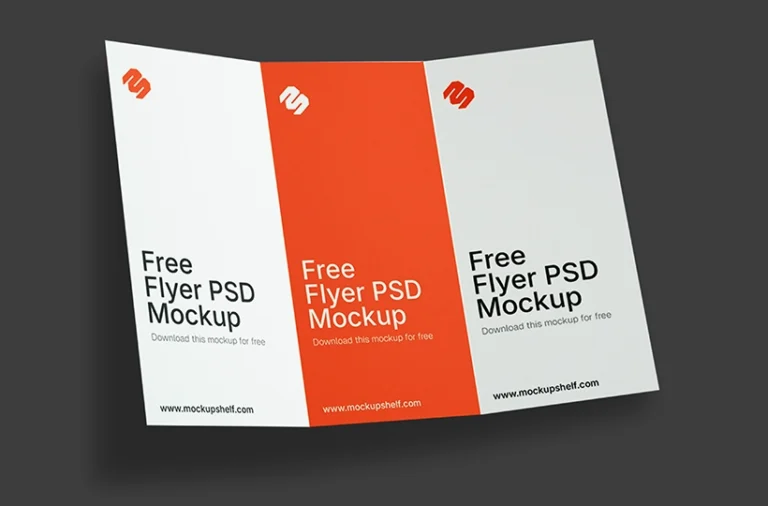
Showcase your brochure and flyer designs with this Free DL Trifold Flyer Mockup PSD. Designed for professional print presentations, this high-resolution Photoshop mockup features a realistic trifold layout with fully editable smart object layers, making it easy to present branding, marketing, promotional, travel, restaurant, and corporate brochure designs.
Whether you’re creating a business brochure, product catalog, event flyer, or promotional leaflet, this DL trifold flyer mockup helps you present your artwork with a clean and professional appearance.
About This Mockup :
This DL Trifold Flyer Mockup PSD is created to help designers, agencies, freelancers, and marketers present their print designs in a realistic folded brochure format. The Photoshop file includes smart object layers that allow you to replace the artwork within seconds while preserving realistic folds, shadows, and lighting.
The DL trifold format is one of the most widely used brochure sizes for business promotions, restaurant menus, travel guides, company profiles, real estate brochures, event promotions, and product information. Whether you’re preparing a client presentation or building a portfolio, this mockup provides a polished and professional presentation.
Note:MockupShelf.com is completely free to use, with no hidden charges or redirects. The site is supported by ads, so if you enjoy our resources, please consider disabling your ad blocker to help keep us alive.
Get notified about new mockups, premium bundles, free resources, and product updates. No spam
You May Also Like
Frequently Asked Questions
Basic download questions, file expectations and preview-related answers.
Is this mockup free to download?
Yes, this mockup is completely free to download. No sign-up, no account, and no hidden fees required.
What software do I need to edit this mockup?
You need Adobe Photoshop to open and edit the PSD file. Alternatively, you can use Photopea, a free browser-based editor that fully supports PSD Smart Objects.
How do I add my design to this mockup?
Open the PSD file, find the Smart Object layer labeled “Your Design Here,” double-click it, paste your artwork, and save. Your design will appear automatically inside the mockup scene.
Can I use this mockup for commercial projects?
Yes. All mockups on MockupShelf are free for both personal and commercial use with no attribution required.
Do I need to create an account to download?
No. Every mockup on MockupShelf is available for direct download with no account or sign-up needed.
Can I edit the background color of this mockup?
Yes. Open the PSD file and locate the Background layer — double-click the color swatch to change it to any color that suits your project.