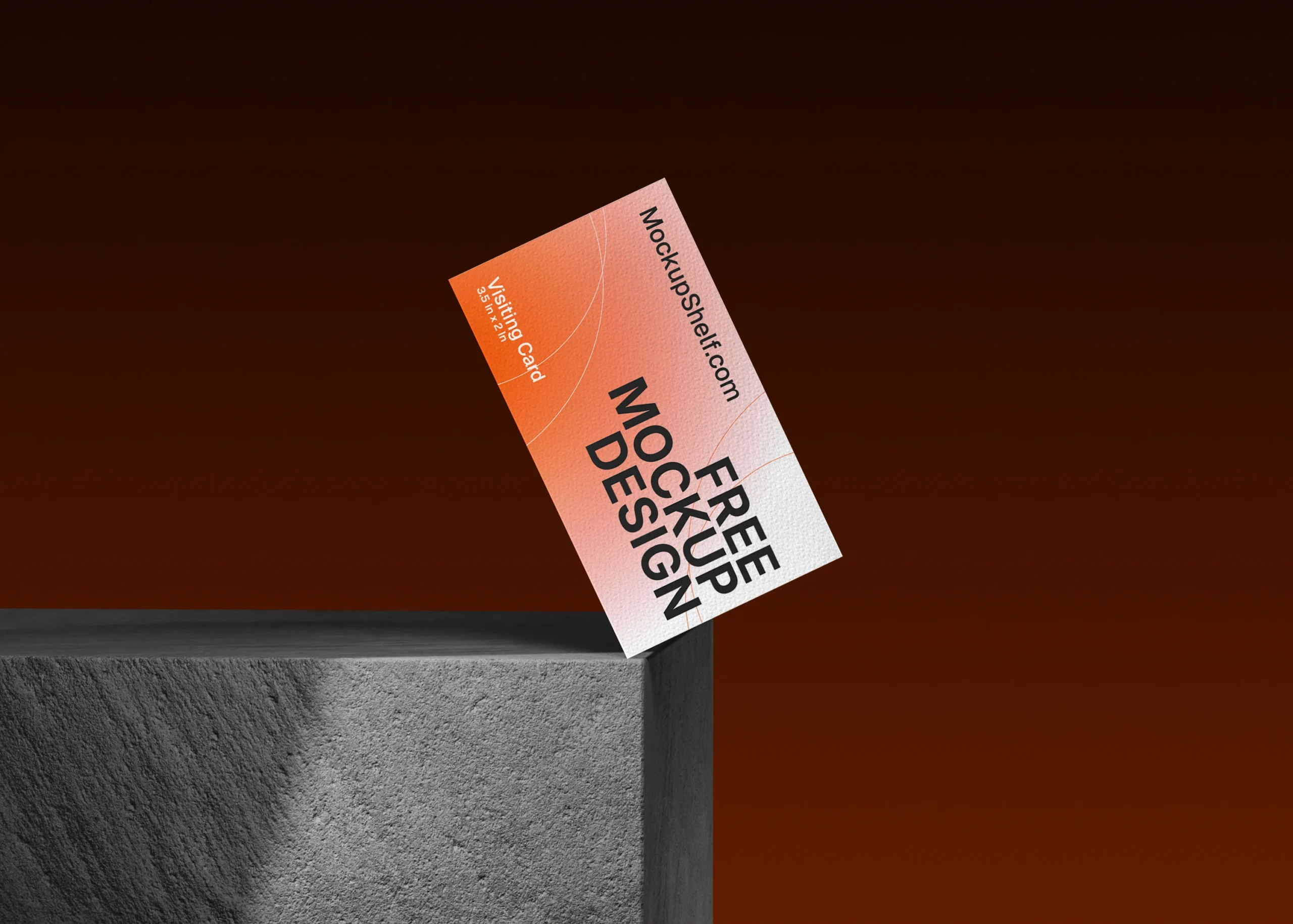
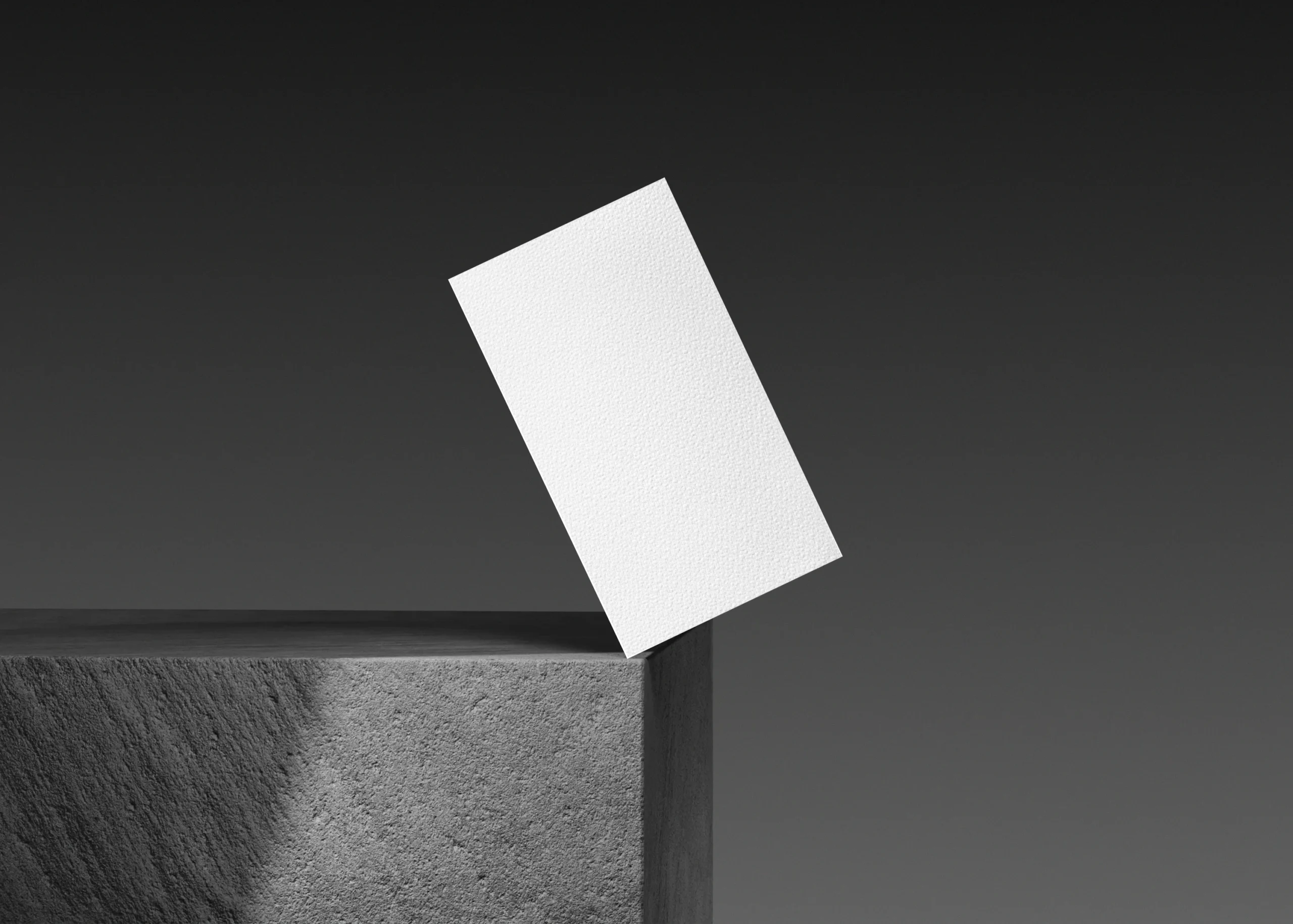
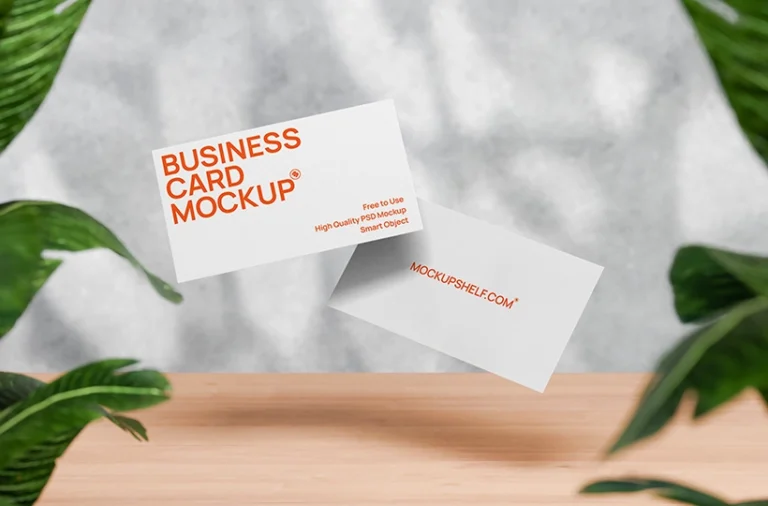
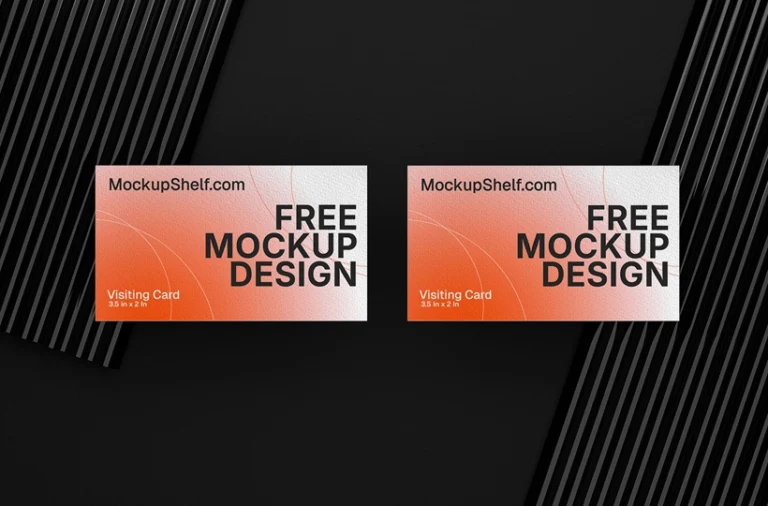
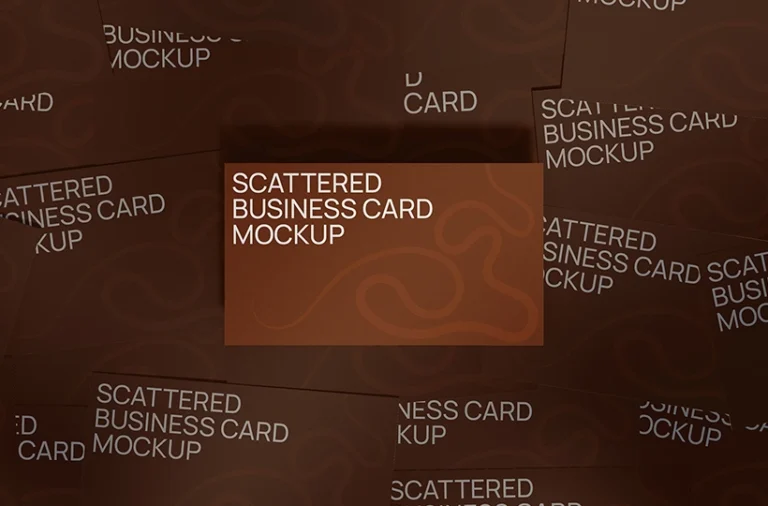
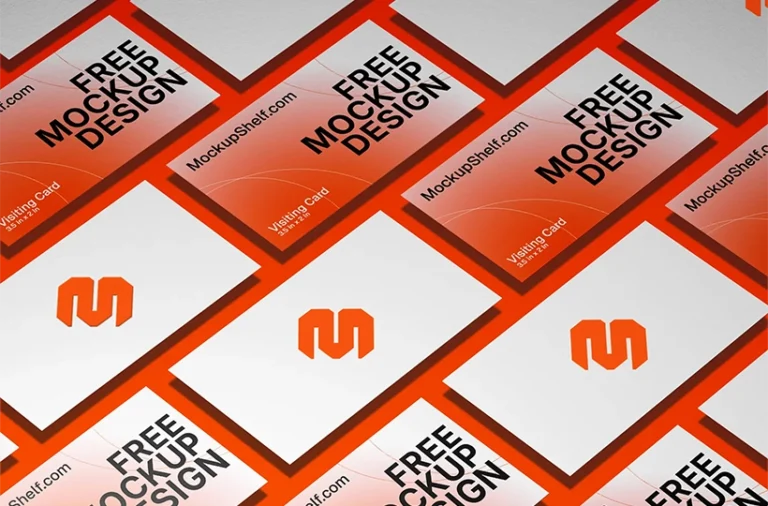
Showcase your business card design with this Free Business Card Mockup on Concrete Edge. The mockup features a single business card positioned diagonally on the edge of a textured concrete block, creating a dramatic and modern presentation for branding, visiting cards, and professional identity designs.
About This Mockup :
This business card mockup features a single rectangular business card carefully positioned at an angle on the edge of a concrete surface. The card appears to rest against the corner of the block, creating a dynamic composition with a strong sense of depth and perspective. The elevated placement gives the business card a more dimensional presentation compared with a traditional flat surface mockup.
The rough concrete block provides a strong textured background with visible surface detail and sharp architectural edges. A dark brown background surrounds the scene, creating a warm contrast against the light business card and grey concrete. The dramatic lighting and deep shadows emphasize the card’s shape, paper texture, and position on the concrete edge.
This mockup is suitable for showcasing business cards, visiting cards, corporate identity designs, personal branding, creative agency stationery, startup branding, professional company cards, and logo identity projects. The isolated composition keeps the focus on the card while providing enough environmental detail to make the presentation visually interesting.
Free for personal & commercial use · No attribution required
TAGS
modern business card mockup, identity design mockup, brand identity mockup, stationery branding mockup, corporate identity mockup, startup business card mockup, agency business card mockup, freelancer business card mockup, logo branding mockup, business stationery mockup, visiting card design presentation, business card portfolio mockup, multiple card presentation, repeating business card mockup, diagonal business card mockup, realistic business card mockup, print design mockup, branding presentation mockup, stationery mockup, free branding mockup, free stationery mockup, graphic design mockup, mockup shelf, mockupshelf
Note:MockupShelf.com is completely free to use, with no hidden charges or redirects. The site is supported by ads, so if you enjoy our resources, please consider disabling your ad blocker to help keep us alive.
Get notified about new mockups, premium bundles, free resources, and product updates. No spam
You May Also Like
Frequently Asked Questions
Basic download questions, file expectations and preview-related answers.
Is this mockup free to download?
Yes, this mockup is completely free to download. No sign-up, no account, and no hidden fees required.
What software do I need to edit this mockup?
You need Adobe Photoshop to open and edit the PSD file. Alternatively, you can use Photopea, a free browser-based editor that fully supports PSD Smart Objects.
How do I add my design to this mockup?
Open the PSD file, find the Smart Object layer labeled “Your Design Here,” double-click it, paste your artwork, and save. Your design will appear automatically inside the mockup scene.
Can I use this mockup for commercial projects?
Yes. All mockups on MockupShelf are free for both personal and commercial use with no attribution required.
Do I need to create an account to download?
No. Every mockup on MockupShelf is available for direct download with no account or sign-up needed.
Can I edit the background color of this mockup?
Yes. Open the PSD file and locate the Background layer — double-click the color swatch to change it to any color that suits your project.