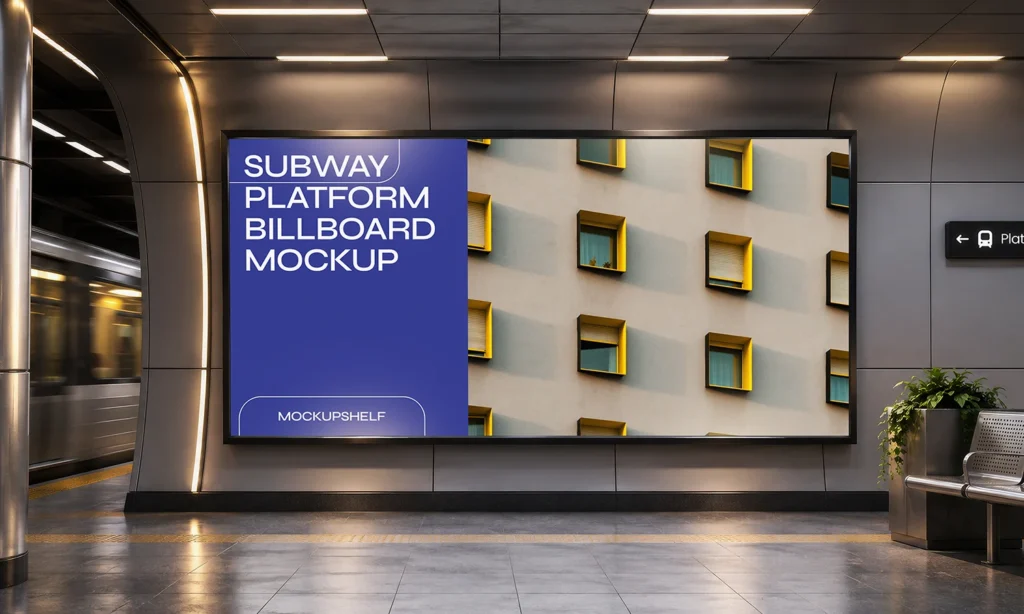
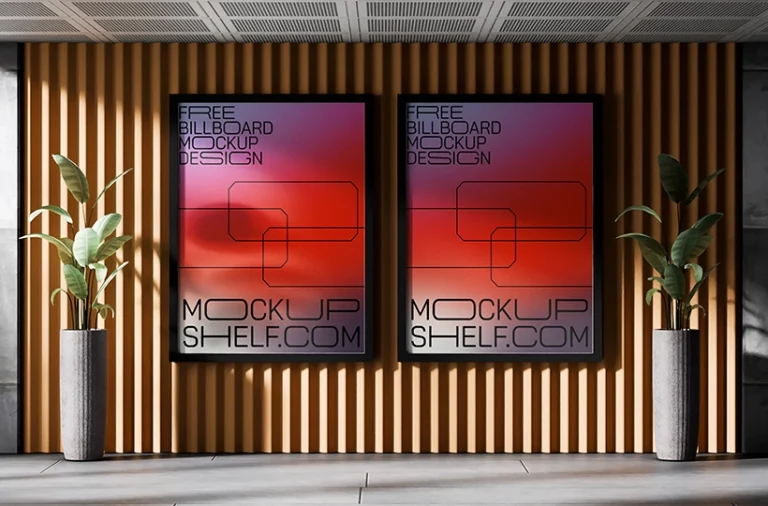
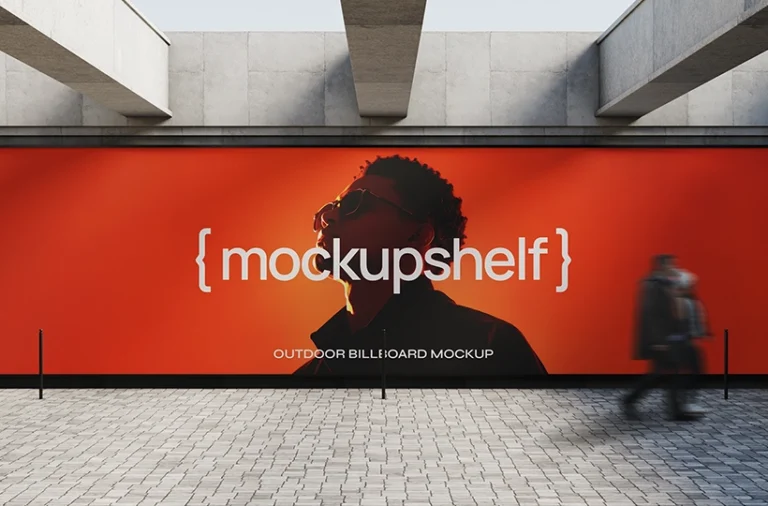
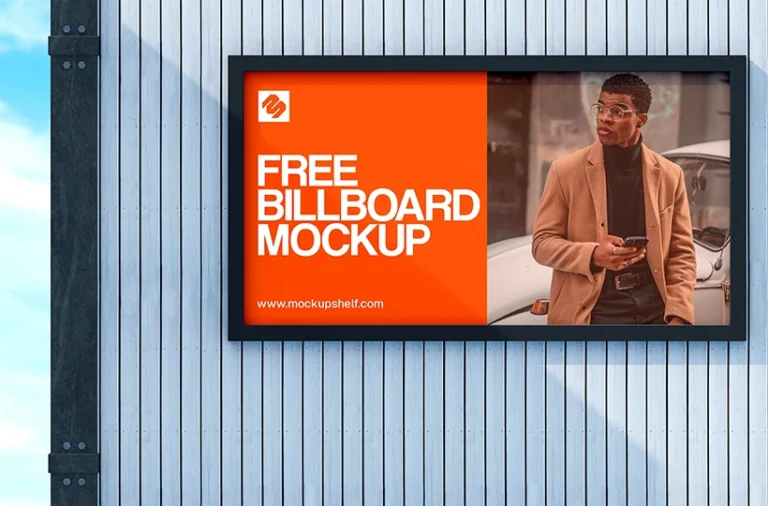
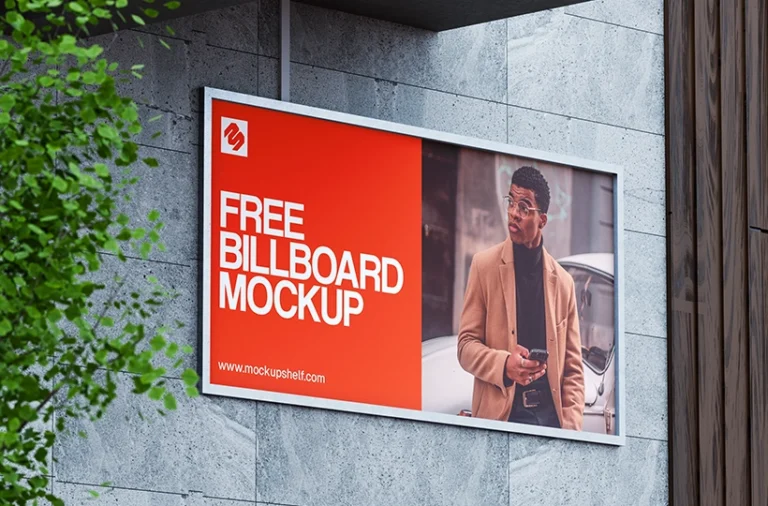
Showcase your advertising designs with this free subway platform billboard mockup. It features a large horizontal display mounted on a wall inside a modern underground station, making it ideal for metro ads, public transport campaigns, and outdoor advertising presentations.
About This Mockup :
This subway platform billboard mockup features a large horizontal advertising display mounted on the wall of a modern metro station. The wide display sits beside the train platform, with station details, seating, and other surroundings visible in the scene. Its large format gives your design plenty of space to stand out and makes it suitable for presenting wide advertising layouts.
Use this subway station billboard mockup to showcase brand campaigns, product advertisements, event promotions, and public service messages. The horizontal display works well for large images, campaign headlines, promotional graphics, and other advertising content. It also helps you show how a design could look in an underground metro station where passengers pass by every day.
This free metro billboard mockup is useful for graphic designers, advertising agencies, and branding teams. Use it to present client concepts, add realistic advertising scenes to your portfolio, or show how a campaign could appear in a public transport setting. It is also suitable for urban advertising and large format print design presentations.
Outdoor Advertising
Large Billboard
Street Setting
Urban Architecture
Wide Layout
Available Format: Layered PSD | Smart object License: Free Personal & Commercial Use What is Inside Zip File : 1 PSD file | 1 Preview Image Mockup Dimension : 5000 x 3000 | 300 DPI Created by : www.mockupshelf.com
Free for personal & commercial use · No attribution required
Note:MockupShelf.com is completely free to use, with no hidden charges or redirects. The site is supported by ads, so if you enjoy our resources, please consider disabling your ad blocker to help keep us alive.
Get notified about new mockups, premium bundles, free resources, and product updates. No spam
You May Also Like
Frequently Asked Questions
Basic download questions, file expectations and preview-related answers.
Is this mockup free to download?
Yes, this mockup is completely free to download. No sign-up, no account, and no hidden fees required.
What software do I need to edit this mockup?
You need Adobe Photoshop to open and edit the PSD file. Alternatively, you can use Photopea, a free browser-based editor that fully supports PSD Smart Objects.
How do I add my design to this mockup?
Open the PSD file, find the Smart Object layer labeled “Your Design Here,” double-click it, paste your artwork, and save. Your design will appear automatically inside the mockup scene.
Can I use this mockup for commercial projects?
Yes. All mockups on MockupShelf are free for both personal and commercial use with no attribution required.
Do I need to create an account to download?
No. Every mockup on MockupShelf is available for direct download with no account or sign-up needed.
Can I edit the background color of this mockup?
Yes. Open the PSD file and locate the Background layer — double-click the color swatch to change it to any color that suits your project.